
Most painting contractors do not have a “tool problem.”
They are having trouble with their workflow.
Because of this, a lot of contractors continue to sign up for software, watch demos, and pay monthly subscriptions, only to encounter the same obstacles. Leads continue to cool. Follow-ups are still overlooked. It still gets messy when scheduling. It still takes too long to estimate. The administrator continues to eat for half the week.
Therefore, the true question to ask when looking for the best AI tools for painting contractors is not:
"What is the most intelligent tool?"
It is:
"What tool genuinely reduces conflict within my company?"
This blog employs that lens.
Not exaggeration.
not glossy dashboards.
not arbitrary lists of the "top 25 AI tools."
Just the tools that are actually useful for painting contractors in 2026.
What Makes an AI Tool Actually Worth It for a Painting Business?
Many AI programs appear amazing in a demo but are ineffective in practice.
This is due to the fact that most contractors do not require "AI" in its broadest sense. In a company that already operates quickly and is prone to mess, they require solutions that save time, recoup revenue, and minimize human labor.
A helpful tool should be proficient in at least one of these areas:
- help you respond faster
- Reduce repetitive office work
- improve estimating or quoting
- keep leads and jobs organized
- make follow up more consistent
- Support your field team without creating more admin
If it does not clearly improve one of those areas, it is probably just another subscription.
That is the standard every tool below is being judged by.
1. GoHighLevel
Best for Lead Capture, Follow Up, and Customer Communication
GoHighLevel is one of the best tools you can use if your painting business is losing money due to cold leads, missing follow-ups, or poor communication among your office staff.
Painting contractors who desire a better integrated front end of their firm without duct taping five separate marketing tools together will find it extremely helpful. CRM, pipelines, SMS, email automation, forms, calendars, call monitoring, and campaigns are all integrated into one location. This means that instead of doing everything by hand, painting companies can create systems based on the customer journey. Additionally, HighLevel provides conversational automation and AI-related tools that facilitate quicker lead management and customer communication.
Best use cases for painters:
- new lead response
- estimate follow-up
- missed call text back
- review request automation
- reactivation campaigns
Best for:
Painting businesses that want one system for sales and communication
Not ideal if:
You already have a CRM you like and only want a lightweight automation layer
2. n8n
Best for Custom AI Workflow Automation
GoHighLevel is excellent for front-end customer flow; n8n offers far greater flexibility.
For contractors who wish to create unique workflows based on how their organization actually operates, this is among the greatest automation solutions. It is particularly effective when you want many tools to collaborate without having to replace your entire stack. Because it allows you to create visual workflows, robust integrations, self-hosting alternatives, and AI-compatible automation logic without pressuring you into a single, inflexible ecosystem, n8n is well-liked.
For a painter, that might entail:
A website lead fills out your form, is placed into your CRM, sends you an instant message, starts a follow-up task, changes a spreadsheet, and automatically alerts your estimator.
That is where n8n shines.
Best use cases for painters:
- CRM sync workflows
- estimate follow-up sequences
- lead routing
- internal notifications
- AI-assisted admin workflows
Best for:
Painting businesses that want custom systems instead of boxed software
Not ideal if:
You want a plug-and-play tool with no setup thinking
3. Make
Best for Visual Automation Across Multiple Apps
For business owners who seek automation but prefer a more visual, drag-and-drop setup, Make is among the cleanest options.
For non-technical users, it frequently seems simpler at first than n8n. Additionally, it has grown to be a powerful choice for service companies looking to automate repetitive tasks across systems thanks to its AI agent functionality and multi-app orchestration. Instead of approaching automation as a black box, Make focuses on transparent AI agents and visible workflow orchestration, which is helpful when you want to see exactly what is occurring inside a process.
Make is particularly useful for painting contractors that need their tools to function as a single system and are dispersed among email, calendars, CRMs, forms, and spreadsheets.
Best use cases for painters:
- lead handoff workflows
- estimate request automation
- scheduling logic
- review and referral sequences
- admin task automation
Best for:
Owners who want powerful automation with a visual interface
Not ideal if:
You need deeper developer style flexibility or self-hosting
4. Zapier
Best for Fast, Simple Automations
If Make is the visual orchestrator and n8n is the custom builder, Zapier is the simplest place to start if you want immediate wins.
Although it is frequently the simplest tool to use, it is not usually the deepest. Because of this, it is helpful for small painting companies that wish to automate routine, repetitive chores without having to undertake a complex technological project.
When your objective is to "stop doing this same thing manually every day" rather than "build a system architecture," this is one of the most useful types of artificial intelligence software for service businesses.
Good starter automations:
- form submission → CRM entry
- missed call → email alert
- estimate accepted → invoice trigger
- completed job → review request
- booked appointment → calendar and reminder flow
Best for:
Small painting businesses that want simple automations now
Not ideal if:
You want advanced branching, deep logic, or scalable custom systems
5. Airtable
Best for Job Tracking, Internal Systems, and Operational Visibility
Many painting companies use CRMs for tasks that, to be honest, they are not very good at.
CRMs are helpful for customer history and sales. However, technologies like Airtable frequently perform far better when it comes to internal job tracking, lead stages, estimate status, production planning, crew visibility, or custom operational dashboards.
When you use Airtable as a bespoke operating system instead of just a spreadsheet, it becomes more powerful. It can be used to organize jobs, internal workflows, and status-based procedures without requiring full software development because of its AI characteristics and adaptable database structure.
For painting contractors, it is especially useful if your current operations live in random spreadsheets, WhatsApp threads, and people’s memories.
Best use cases:
- job pipeline tracking
- estimator workflow visibility
- crew scheduling boards
- estimate status dashboards
- operations handoff systems
Best for:
Businesses that want clarity across moving parts
Not ideal if:
You want a customer-facing CRM by itself
6. PaintScout
Best AI Adjacent Tool for Estimating and Proposals
This one is more relevant and focused.
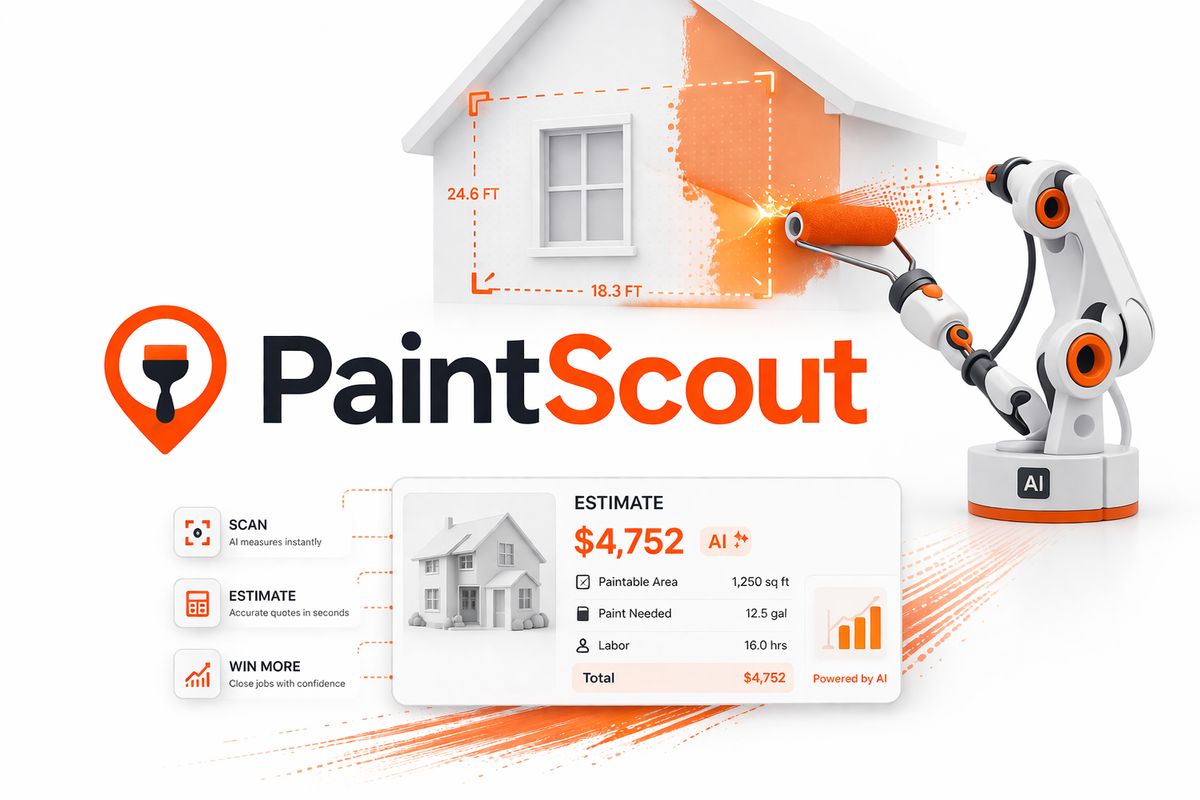
Because PaintScout is designed for painting companies rather than general service providers, it is worth considering if you are specifically searching for AI tools for painting contractors.
In the sense of the Silicon Valley catchphrase, it is not "AI first." However, it resolves one of the most significant actual barriers in painting sales: prompt and unambiguous estimation. PaintScout is intended to assist painting contractors in developing estimates more quickly, producing more polished bids, utilizing production rates, handling upgrades, and converting accepted estimates into bills. According to the company, contractors who use the platform spend an average of five minutes on each estimate, and the average win rate among users has increased.
That matters because a lot of businesses do not need “AI agents” first.
They need a better quoting process first.
Best use cases:
- estimate generation
- proposal creation
- pricing consistency
- upsell options
- estimate to invoice flow
Best for:
Painting businesses that want to speed up sales without guessing prices
Not ideal if:
You are only looking for general workflow automation
7. Jobber
Best for AI-Assisted Reception and Service Operations
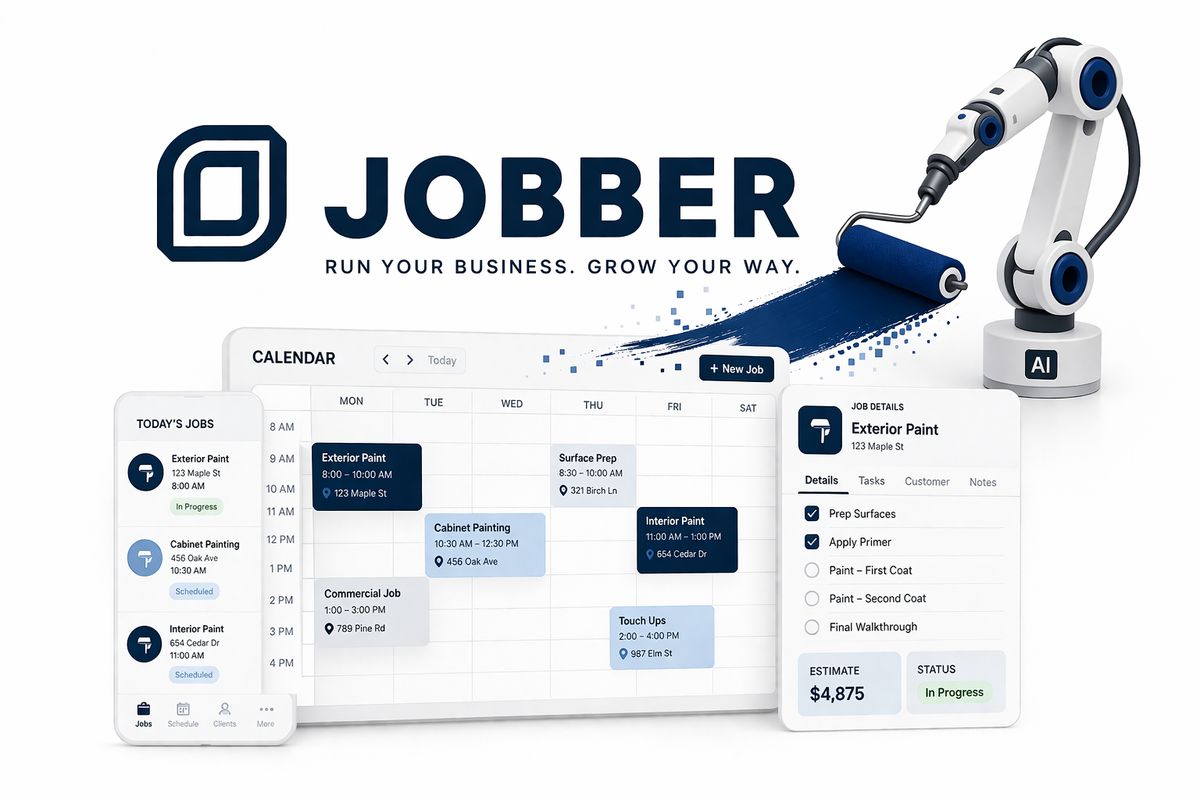
Although Jobber is already well-liked by home service companies, its AI receptionist and operational assistance capabilities make it more appealing to painting contractors.
Businesses that miss calls, have trouble responding quickly, or lose smaller jobs because no one responded to the lead in time would find this particularly helpful. AI-assisted reception is not a luxury if your company frequently receives questions while your staff is on site, driving, or already attending to other clients. It's a system for recovery.
Best use cases:
- missed call coverage
- inquiry capture
- job intake support
- basic lead qualification
- scheduling support
Best for:
Contractors who need faster front desk responsiveness
Not ideal if:
You already have a tightly built communication workflow elsewhere
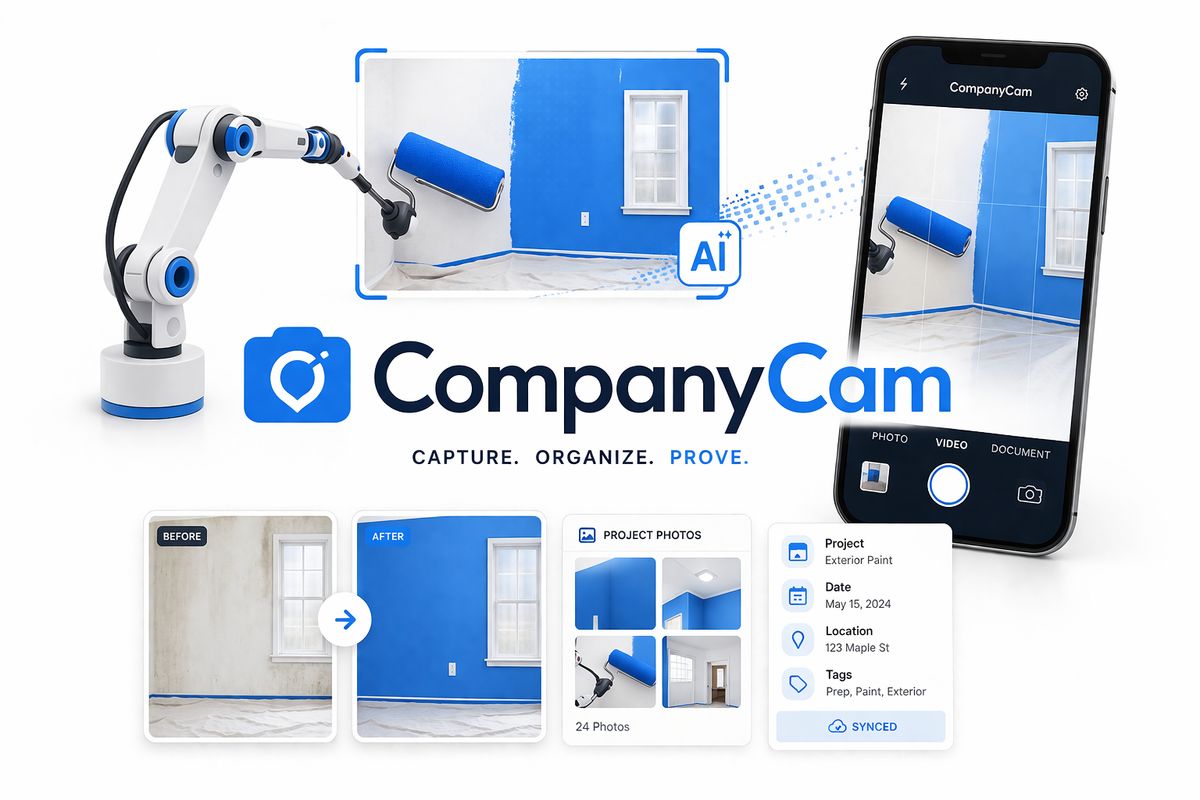
8. CompanyCam
Best for Field Documentation and Jobsite Visibility
Many listings of "AI tools" totally overlook what transpires after the sale.
That is incorrect.
Painting companies want assistance with more than simply work acquisition. They also require assistance with reporting progress, keeping personnel and clients in sync, and recording them. This is the point at which CompanyCam becomes useful.
It facilitates the organization of field images, job documentation, and visual communication in a way that simplifies updates and lessens chaos. This immediately becomes quite helpful for companies working on larger residential or commercial projects.
Best use cases:
- before and after documentation
- progress photo logs
- crew communication
- customer update visuals
- quality tracking
Best for:
Painting businesses that want less job-site confusion
Not ideal if:
You only want lead generation and office automation tools
So… Which AI Tool Should a Painting Contractor Start With First?
Most blogs become worthless at this point because they attempt to rate everything as though there is only one "winner."
It doesn't exist.
The bottleneck determines the appropriate tool.
If your main problem is lead follow-up
Start with GoHighLevel or Zapier
If your main problem is custom automation
Start with n8n or Make
If your main problem is estimating
Start with PaintScout
If your main problem is job tracking
Start with Airtable
If your main problem is missed calls and responsiveness
Start with Jobber
If your main problem is field reporting
Start with CompanyCam
That is the more intelligent method of selecting tools.
Not by inquiring:
"Which AI tool is the best?"
However, by inquiring:
"What is my company's most costly bottleneck at the moment?"
That is the one that should be resolved first.
The Biggest Mistake Contractors Make With AI Tools
Not selecting the incorrect program is the biggest error.
It involves purchasing instruments before process design.
This is how companies come up with:
- five subscriptions
- disconnected systems
- confused staff
- half working automations
- zero measurable improvement
A tool only becomes useful when it fits into a system.
That is why the best AI setups for painting contractors usually do not begin with software demos.
They begin with questions like:
- Where are leads getting lost?
- What keeps getting done manually?
- What slows down estimates?
- Where are customers waiting too long?
- Which tasks keep stealing team time?
That is where your best automation decisions come from.
Not from trend chasing.
A Smarter Way to Think About ROI
Many owners ask themselves as soon as they see AI tools:
"What is the monthly cost of this?"
It's a valid question.
Not the best one, though.
A more appropriate query is:
"How much is the present inefficiency already costing us?"
There is a fee associated with your team manually following up on leads.
There is a cost if quotes are sent out slowly.
There is undoubtedly a penalty if missed calls result in lost employment.
When a single recurring leak is effectively fixed, the greatest automation technologies for contractors typically pay for themselves.
For this reason, straightforward systems frequently perform better than complex ones.
since they become accustomed to it.
Final Thoughts
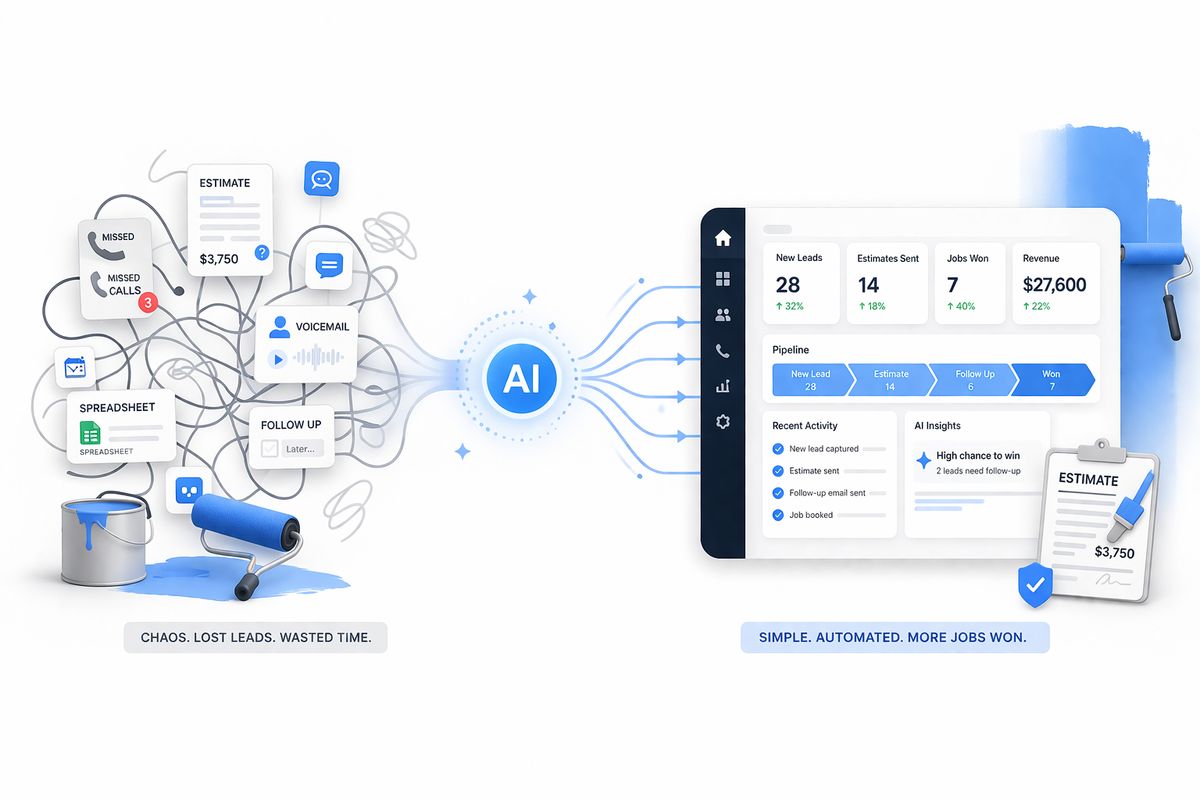
The most cutting-edge AI tools aren't always the greatest for painting contractors in 2026.
They are the ones who streamline the current operations of your company.
Better lead follow-up could result from that.
It could result in quicker estimation.
It could result in fewer missed calls.
Connecting the tools you currently pay for could be the final step.
The true change is that.
Your painting business shouldn't feel more complicated because of AI.
It ought to feel lighter, quicker, and more reliable.
Additionally, purchasing software is not the best place to start when attempting to determine which solutions are truly appropriate for your company.
It involves locating areas where revenue, leads, and time are already being lost.
If you want, Fatcamel can help map that out and build the right system around it.
FAQs
1. What are the best AI tools for painting contractors in 2026?
Some of the strongest options include GoHighLevel, n8n, Make, Zapier, Airtable, PaintScout, and Jobber. The right choice depends on whether your biggest issue is lead follow-up, estimating, admin, or job tracking.
2. What is the best AI tool for a small painting business?
The best tool is usually the one that solves your biggest bottleneck first. For many small painting businesses, that means starting with lead response, estimate follow-up, or missed call automation before investing in more complex systems.
3. Is GoHighLevel good for painting contractors?
Yes, especially if you want one place for lead capture, SMS follow-up, pipelines, reviews, and customer communication. It is especially useful for sales and marketing workflows.
4. Is n8n better than Zapier for contractors?
It depends on what you need. Zapier is easier for quick, simple automations. n8n is better if you want deeper customization, more flexibility, and more control over your workflows.
5. Are AI tools worth it for painting contractors?
Yes, if they solve a real business problem. The best ROI usually comes from faster lead response, stronger follow-up, better estimating, and less manual admin.
6. What is the best AI estimating tool for painters?
PaintScout is one of the most relevant tools because it is specifically designed for painting contractors and helps speed up estimate creation, pricing consistency, and proposal flow.