
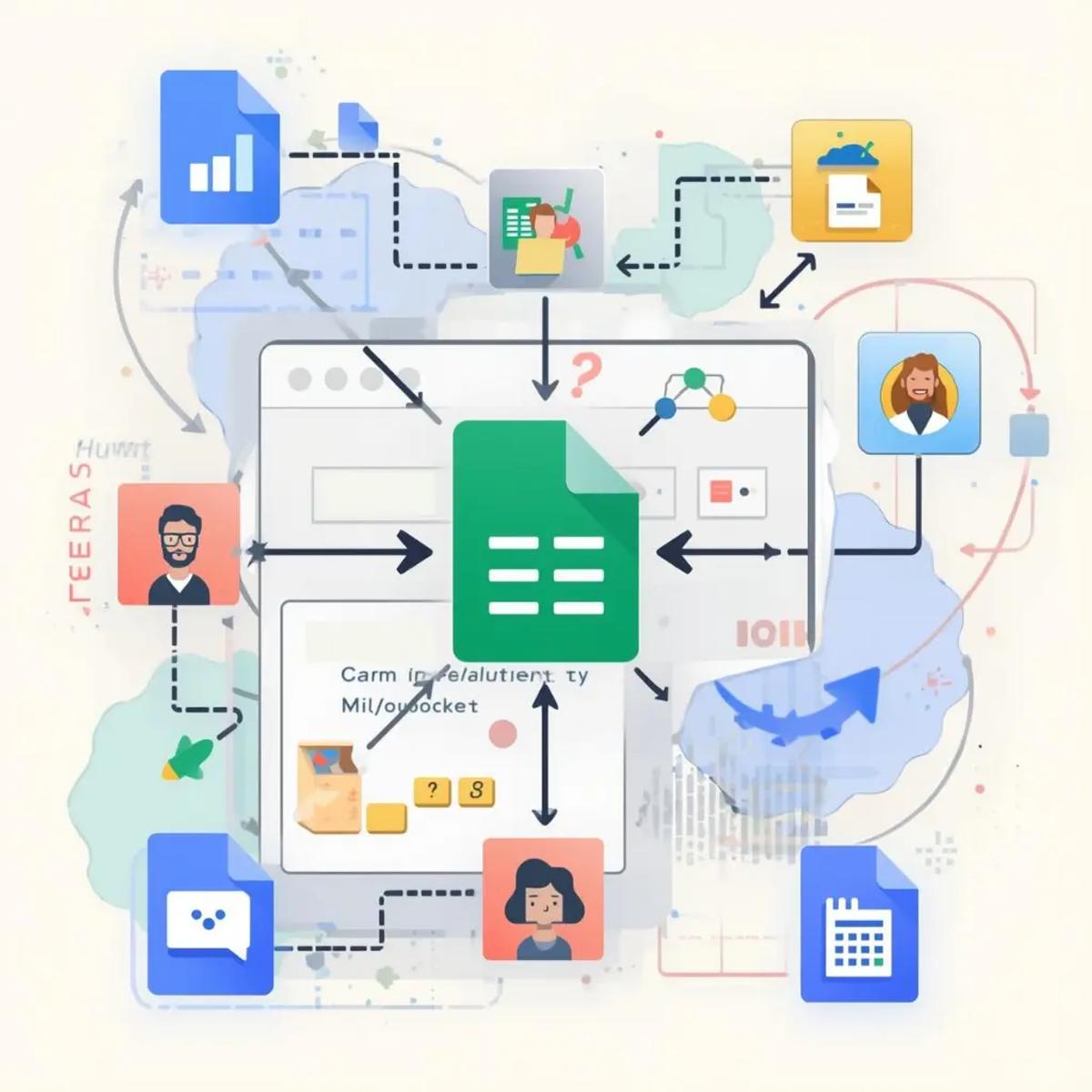
There’s a lot of work happening inside a business that one gets to know when they start their own business.
Leads get copied from messages into sheets. Statuses are updated manually. Someone checks whether a follow-up was done. Another person tries to recall where a lead originated. None of this work is visible on dashboards. None of it feels strategic. Yet it quietly consumes hours every week.
This is kind of work that teams don’t enjoy, not because it’s difficult, but because it’s repetitive and constant.
CRM & workflow automation exists to solve this exact problem. It doesn’t add more burden by adding more software, but it lets the systems handle the work that humans don’t want to repetitively do. When done right, automation doesn’t feel impressive. It feels calm.
In this guide, we’ll explore CRM and Google Sheets automation using n8n, what CRM automation actually means in practice, why it matters today, how teams are using it with real data, and how to design workflows that remain dependable as your operations grow.
Read more here about Free LinkedIn Automation Tool – A Complete Guide
What Is CRM Automation
CRM automation means using software to handle repetitive work in sales, marketing, and customer service, like sending emails, getting updates, cold calling, and assigning work to save time, money, and energy, which lets the team do serious work by taking care of this repetitive work.
Without automation, CRMs rely on human discipline. Someone has to remember to update a lead. Someone has to move it to the next stage. Someone has to notice that a follow-up is overdue. As volume increases, these small responsibilities become points of failure.
With automation, the responsibility shifts from people to systems. Data enters once, updates itself, and triggers the next step automatically. Leads are tracked consistently, regardless of who is working that day.
This is where n8n CRM automation becomes powerful. It turns your CRM, whether that’s a dedicated tool or something as simple as Google Sheets, into a system that behaves predictably.
And yes, Google Sheets can act as a CRM when automation ensures accuracy, structure, and flow.
Recent studies consistently show that teams spend 25–30% of their working time on manual data handling. Even more concerning, nearly 40% of CRM data becomes outdated within weeks when updates rely solely on human intervention. Delayed follow-ups, sometimes by just a day, can significantly reduce conversion chances.
This is why workflow automation is not about speed or efficiency. It’s about reliability. When systems update themselves, teams can trust the data they’re looking at.
Read more here about Free WhatsApp Automation Using n8n
.
The Benefits of CRM Automation
There are multiple benefits that CRM automation provides. They affect operations in meaningful ways.
It improves the data quality. When information is captured by automation, manual errors are reduced. Duplicate entries are reduced. Teams stop maintaining multiple versions of the same dataset.
The response time improves because systems react instantly. Leads are captured as soon as they arrive. The concerned person is alerted without any delays.
It takes follow-ups consistently. Instead of relying on reminders, automation ensures that every lead moves forward based on defined rules. This consistency often leads to higher conversions without putting extra effort.
The automation allows teams to scale. The same workflow that handles ten leads can handle a thousand. Processes no longer depend on one person who has to remember things and do them manually.
Read more here about Free Telegram Automation Using n8n
This is why free lead management automation is especially valuable for small teams and solo founders.
Practical CRM Automation Use Cases
Automating Lead Tracking in Google Sheets
One of the most common and effective setups uses Google Sheets as a CRM.
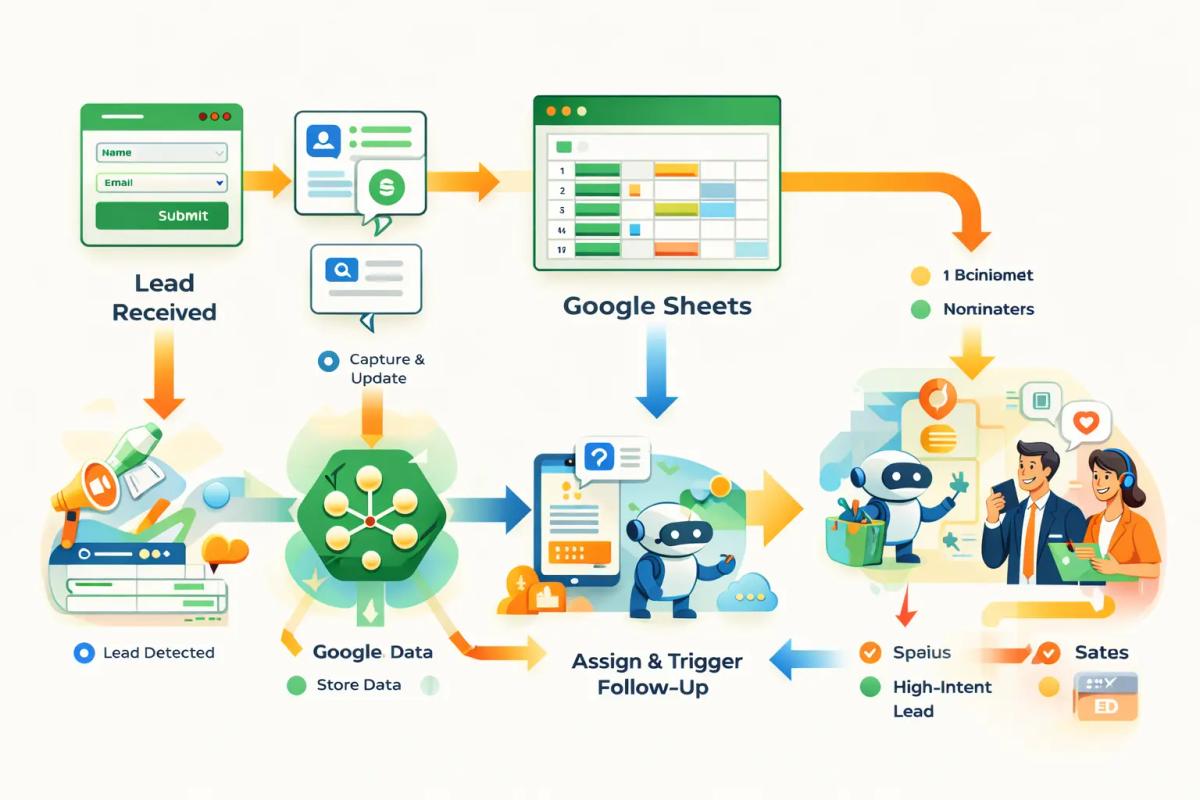
A lead fills a form, sends a message, or responds to an ad. n8n captures the data and updates a structured Google Sheet automatically. The lead source, timestamp, and status are added without human involvement.
This free Google Sheets automation removes repetitive data entry and ensures every lead is tracked the same way. For many teams, this alone saves hours each week and prevents silent data loss.
Multi-Channel CRM Automation
Leads no longer come from a single source. They arrive from ads, social media, WhatsApp, Telegram, email, and referrals.
With CRM automation free, these inputs can flow into a single system. n8n collects data from different channels, updates the CRM or sheet, and notifies the relevant person instantly.
Teams using multi-channel automation often report 20–35% faster response times, simply because they no longer have to check multiple platforms manually.
Read more here about Free Email Automation Using n8n
Automated Follow-Up Triggers
Follow-ups fail quietly when handled manually. People get busy. Context gets lost.
With n8n CRM automation, follow-ups are triggered based on logic. If a lead hasn’t moved in a set time, a reminder is sent. If a response arrives, automation pauses. If intent is high, the lead escalates automatically.
The result isn’t aggressive outreach, it’s consistency.
Internal CRM Hygiene Automation
This is where automation quietly compounds value.
Daily reports flag stale leads. Weekly summaries highlight pipeline movement. Alerts notify teams when critical data is missing. Over time, this keeps the CRM clean without effort.
Clean data leads to better decisions everywhere else.
A Pattern Used by High-Performing Teams
Platforms like HubSpot consistently promote a workflow-first mindset.
Automation handles data capture, routing, and reminders. Humans handle conversations, judgment, and closing. Teams that adopt this approach report better CRM adoption, more accurate pipelines, and less internal friction.
The CRM itself doesn’t win deals. The workflow behind it does.
Common Challenges
One of the most common challenges of automation comes from over-engineering. Teams automate everything; there is no human contact, only automation working. This makes customers lose interest as it feels robotic.
Read more here about Complete Guide to Free Instagram Automation

The right way is to start with a single workflow and improve it gradually. Keep humans in the loop and do not lose clarity.
Another challenge is poor data input. If entry points aren’t validated, automation only spreads bad data faster. Clear instructions help to make automation better and efficient.
Finally, automation should never be invisible to the team. Logging, checkpoints, and regular reviews ensure systems remain trustworthy.
How Fatcamel Approaches CRM Automation
At Fatcamel, CRM automation isn’t about using random tools without any clarity.
The focus is on:
Custom workflows that match real operations
Google Sheets + CRM hybrid systems
AI layered on top of clean data
Human-first escalation paths
The goal is clarity and reliability, not complexity.
Final Thought: Automation Removes Invisible Work
CRM automation isn’t about working faster. It’s about working smarter.It’s about not doing work you shouldn’t be doing at all.

With free CRM & workflow automation using n8n, systems keep running even when you’re focused elsewhere. Data stays accurate. Follow-ups stay consistent. Decisions become easier.
Start with one workflow, automate repetitive work, clean one dataset, and keep improving it.
That’s how dependable systems are built.
FAQs: Free CRM & Workflow Automation Using n8n
Is CRM automation using n8n really free?
Yes. n8n is open-source, and tools like Google Sheets can be automated without paid CRM software.
Can Google Sheets replace a CRM?
For small teams, yes. With proper automation, Sheets can function as a reliable CRM.
What’s the biggest benefit of CRM automation?
The biggest benefit of CRM is consistency. Every lead is handled the same way, every time.
Can I automate lead tracking for free?
Absolutely. Forms, messaging tools, Sheets, and n8n can handle lead tracking for free.
Is CRM automation useful for solo founders?
It is especially useful for solo founders. It prevents missed leads and reduces cognitive load.
Do I need coding skills?
No, because n8n is no-code/low-code. Clear logic matters more than syntax.