
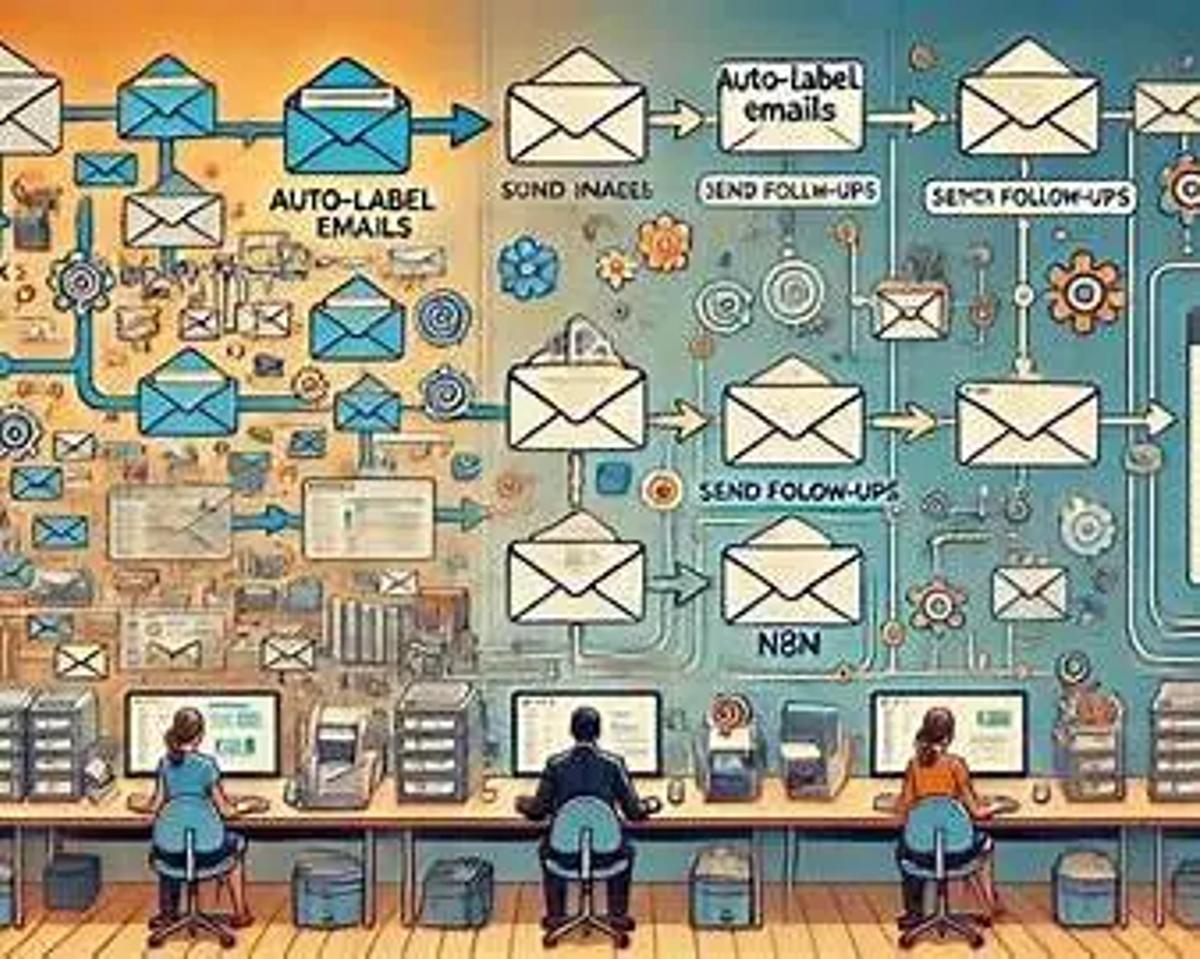
Emails are a big part of your life. We use it for a lot of things, including hiring and firing people, sending proposals, and following up.
It looks simple: write a message, hit send, and wait for a reply.
However, if you have been involved in outreach, onboarding, or even basic follow-up, you know the truth.
Emails pile up.Follow-ups get missed.Leads go cold.
It is not because they weren’t interested, but because you replied late or forgot to reply at all.
This is where you need email automation. It serves as a basic survival.
In this guide, we’ll break down email automation using n8n, how to automate outreach and follow-ups for free, where AI fits naturally, and how to build email workflows that support humans instead of replacing them.
Read more here about The Future of Roofing
The Real Problem With Email Isn’t Writing - It’s Consistency
Most teams don’t struggle with what to say. They struggle with when and how often to say it.
Here’s what usually breaks:
– Leads get a first email, but no follow-up– Replies sit unread for hours– Cold outreach isn’t tracked properly– Email sequences live in someone’s head, not a system
According to industry surveys, 60–70% of deals require at least one follow-up, yet most teams stop after the first email. Not because they don’t care, but because manual follow-ups don’t scale.
This is exactly why email workflow automation exists.
What “Free Email Automation” Actually Means
Let’s make one thing clear.
Free automation doesn’t spam people, send bulk emails that sound robotic, or lose the human touch in the conversations.
It means it automates repetitive steps, makes sure no lead is forgotten, and triggers emails based on actions, not guesses.
With email automation using n8n, you’re building logic-based workflows, not campaigns locked inside tools.
Read more here about AI Automation Services Pricing
Common Email Automation Use Cases (With Real Examples)
1. Cold Email Automation
Goal: Automate outreach with personalization.
Workflow example:– New lead added to Google Sheet– n8n enriches data (company, role, website)– AI drafts a first email (reviewed by a human)– Email is sent– Follow-up triggers after 3–5 days if no reply
This is a cold email automation tool that's free, but with built-in checks.
Best practice:– Automate sending logic, not blind volume– Keep daily send limits low– Always allow manual overrides
2. Email Follow-Up Automation (The Biggest ROI)
Most replies happen on follow-ups.
With email follow-up automation free, n8n can:– Detect replies– Stop sequences automatically– Send polite nudges– Escalate hot replies to humans
This alone can increase reply rates by 30–40% in many outreach setups.
Read more here about Zapier vs. Make vs. n8n vs. Relevance
3. Lead Nurturing & Free Email Sequence Automation
Use case:– User downloads a resource– Welcome email is sent– Educational emails follow over 7–10 days– Behavior-based branching (opened, clicked, ignored)
This is where free email sequence automation shines - because timing becomes predictable, not manual.
Where AI Fits in Email Automation
AI is like an assistant for emails.
They are not here to replace them.
Smart ways to use AI email automation for free inside n8n:
– Drafting initial versions of emails– Rewriting replies based on tone– Summarizing long email threads– Categorizing intent into hot, warm, and cold
What AI should not do:– Send emails without review– Decide strategy without context– Run uncontrolled outreach
Keeping humans in the loop is important.
A Real-World Example
A well-known SaaS company like HubSpot uses follow-up automation combined with human sales reps.
Their insight is simple:Automation takes care of timing and reminders, while humans are best at conversations and trust.
Many teams adopting similar systems report:– Response rate is faster (2-3x faster)– Fewer leads are missed– Higher close rates without more emails
Read more here about Make.com vs. n8n
Best Practices for Email Automation Using n8n
– Start with one workflow, not ten– Map logic on paper before building– Use clear naming inside workflows– Log every step (for debugging)– Review AI-generated content manually
Automation is a system, not a setup.
How Fatcamel Approaches Email Automation
At Fatcamel, email automation isn’t treated as “send more emails.”
We focus on:– Custom automation systems– AI agents layered over workflows– Human-first decision points
The goal is reliability, not volume.
Final Thought: Automation Is a Support System, Not a Shortcut
Email automation is important not because it’s fast, but it is important because it’s fast.
With free email automation tools like n8n, you’re not locked into platforms or pricing tiers. You’re building systems that grow with you.
Start with the basics by automating just one follow-up and building a single, simple sequence. Once that foundation is in place, you can gradually add intelligence instead of forcing everything at once. This is how sustainable automation is created: calm, intentional, and effective. If you’re curious, begin with a small pilot and let the system handle the repetitive work, so you can focus your energy on conversations that actually matter.
Read more here about Top 5 N8n Templates for Instant Business Automation
FAQs: Free Email Automation Using n8n
1. Is email automation using n8n really free?
Yes. n8n is open-source. You can run email automation for free using self-hosted n8n and free email providers.
2. Can I automate cold email outreach for free?
Yes, but responsibly. Cold email automation should focus on low volume, personalization, and compliance.
3. Does n8n replace email marketing tools?
Not exactly. n8n replaces rigid workflows with flexible logic. You design the system instead of adapting to tool limits.
4. Can AI send emails automatically in n8n?
AI can draft and assist. Best practice is keeping a human approval step before sending.
5. Is email follow-up automation safe for deliverability?
Yes, if you respect limits, warm-up domains, and stop sequences on replies.
6. What’s the biggest mistake people make with email automation?
Automating volume instead of intent. Automation should improve timing, not increase noise.
7. Can this work for small teams or solo founders?
Absolutely. Email workflow automation benefits small teams the most because time is limited.