
Make.com vs. n8n: I Spent 30 Days Testing Both (Here's What Actually Matters)
You're tired of copying data between apps, as if it were 2015.
You've heard about automation tools that can do the boring stuff for you, but now you're stuck between Make.com and n8n, reading feature lists that all sound the same.
I get it.
I was there three months ago, staring at my screen at 11 PM, manually updating my CRM after every client call.
So I did what any slightly obsessive person would do: I tested both platforms like my sanity depended on it.
Spoiler: one of them saved me 8 hours a week. The other? Well, let's just say we need to talk.
The Real Question No One's Asking
Here's what frustrates me about most tool comparisons: they tell you what each tool does, but not who it's actually for.
It's like comparing a Swiss Army knife to a chainsaw and concluding "both cut things." Technically true. Completely useless.
So instead of boring you with feature lists, I'm going to tell you what these tools actually feel like to use, what breaks when you scale, and which one you should pick based on where you're at right now, not some imaginary future where you're automating NASA launches.
Make.com: The One Everyone Recommends (For Good Reason)
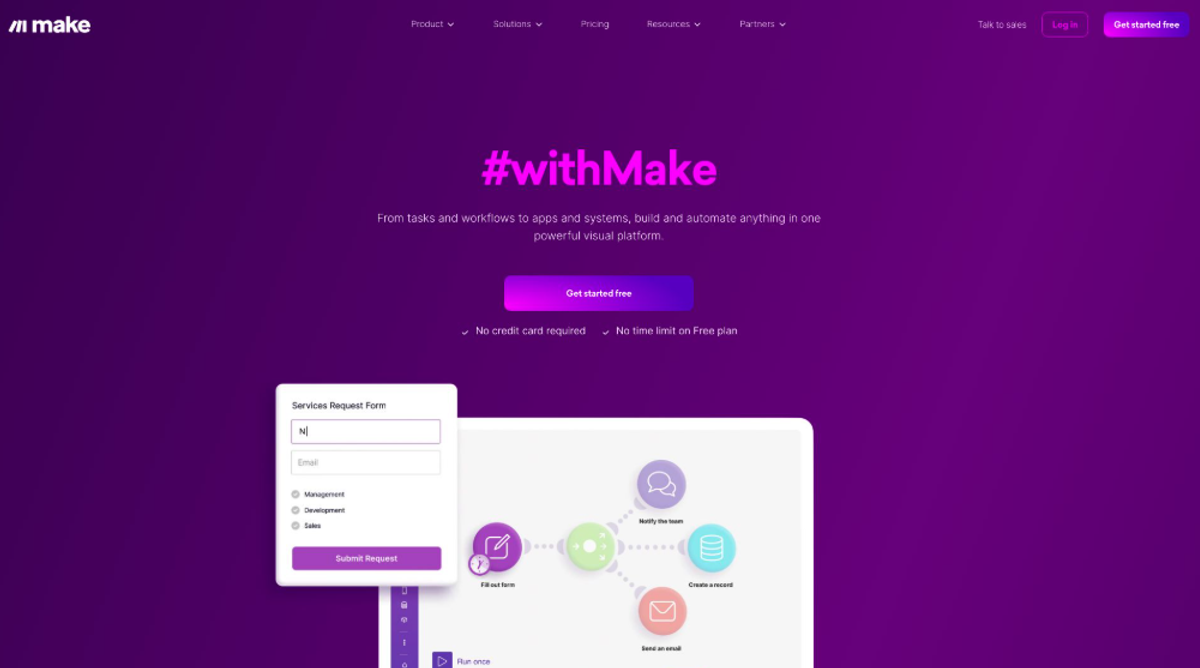
The first time I opened Make.com, I actually said "oh, that's pretty" out loud.
Yeah, I know how that sounds.
But here's the thing: Make.com (formerly Integromat) looks like someone actually thought about what it's like to stare at workflows all day.
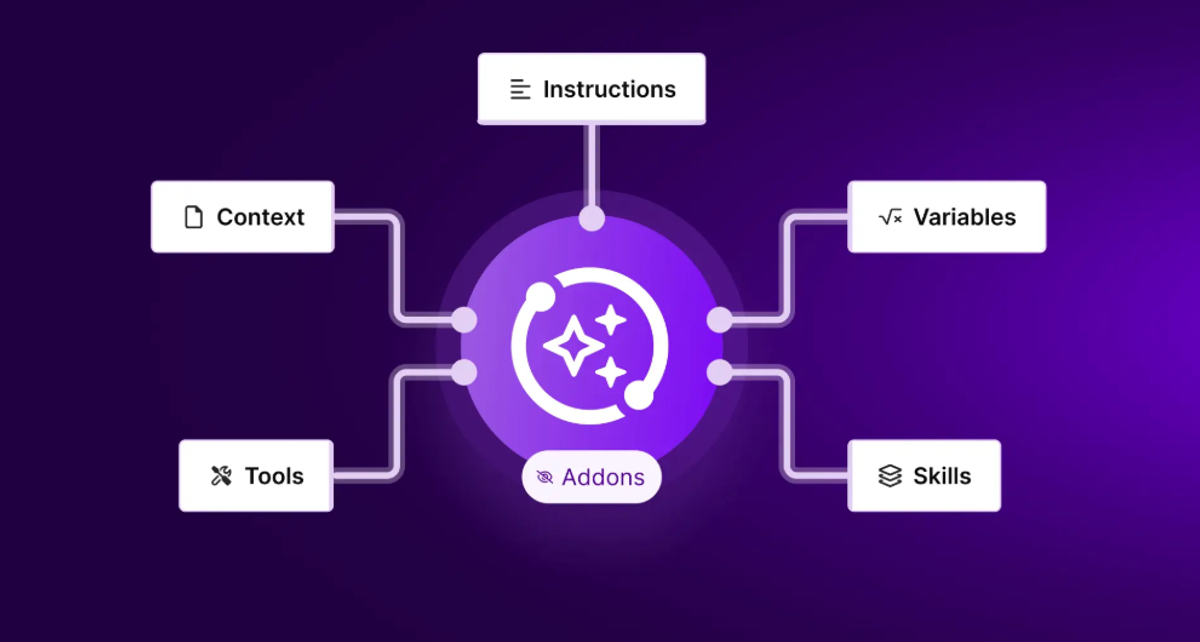
Instead of confusing boxes and arrows, you get these visual scenarios that flow left to right like you're reading a story.
Your automation becomes this satisfying little flowchart that even your non-tech colleague could probably understand.
What Make.com Gets Right
The visual builder is genuinely intuitive.
I connected Google Sheets to Slack in about four minutes on my first try.
No tutorial. No tears. Just dragged some modules around, clicked a few buttons, and boom, every time someone fills out my form, my team gets notified.
The template library is where Make really flexes.
Instead of starting from scratch, you can clone proven workflows and just swap in your apps.
I found a "sync Calendly to Airtable" template that would've taken me hours to build.
Modified it in 15 minutes.
Error handling is smooth.
When something breaks (and trust me, it will), Make tells you exactly where and why.
It doesn't just throw cryptic error codes at you and wish you luck.
It's like having a slightly bossy friend who points out your mistakes but also helps you fix them.
Where Make.com Shows Its Limits
Here's what the glowing reviews don't tell you: Make.com can get expensive fast.
They charge based on "operations", basically every action your automation takes.
Sounds simple until you realize that checking if a file exists counts as one operation.
Then downloading it is another. Then uploading it somewhere else is a third.
That simple workflow?
That's 3 operations, and they add up faster than your coffee expenses.
I hit my plan limit in week two.
Not because I was doing anything crazy, just because I was automating like they told me to.
Upgraded to the next tier.
Hit that limit too.
Now I'm on a plan that costs more than my gym membership (which, to be fair, I actually use).
The other issue? Data storage.
Make.com doesn't really store your data.
It's a "pass-through" system.
Your automation grabs data from one place and sends it to another, but it doesn't keep it.
Need to look back at what happened last month? Hope you sent it somewhere that keeps records.
n8n: The Underdog That Might Actually Win
n8n (said like "nodemation," not "n-eight-n" like I embarrassingly called it for two weeks) is different.
It's open-source, which means you can actually see and modify the code if you want.
But more importantly, it means you can host it yourself.
Yeah, I know. "Hosting" sounds technical and scary. Stay with me.
Why n8n Is Low-Key Brilliant
You own everything.
When you self-host n8n, your workflows, your data, your rules.
No one's going to suddenly double their pricing or tell you that feature you rely on is now "premium only."
I installed it on a $5/month DigitalOcean server and forgot about it.
It just... works.
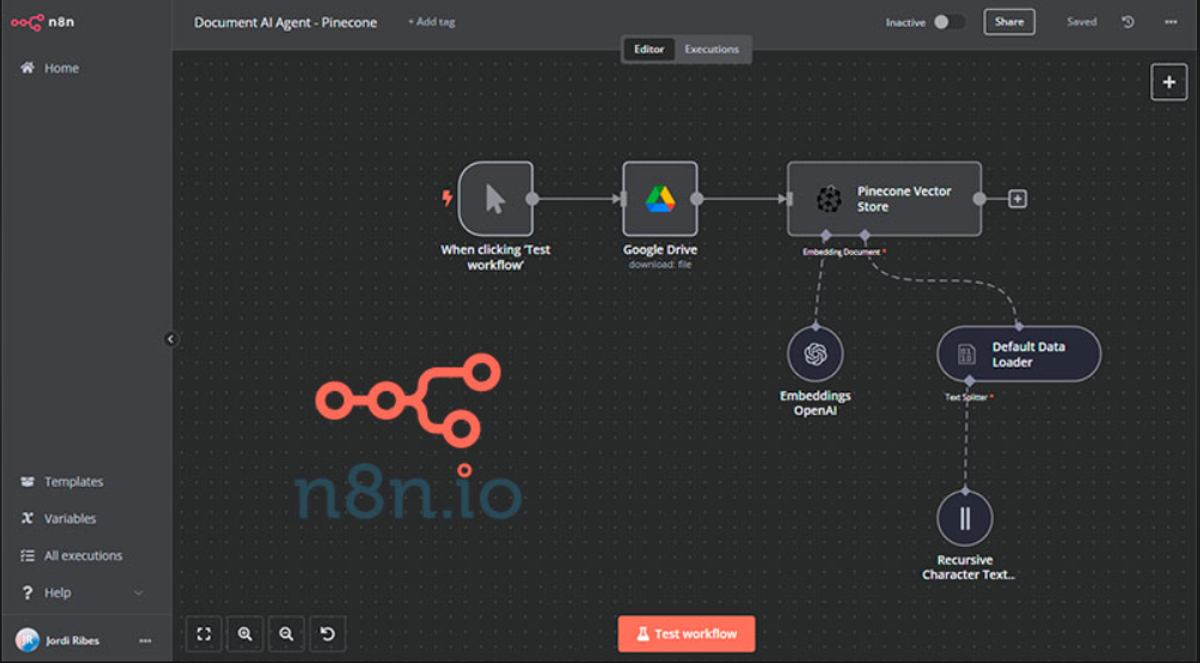
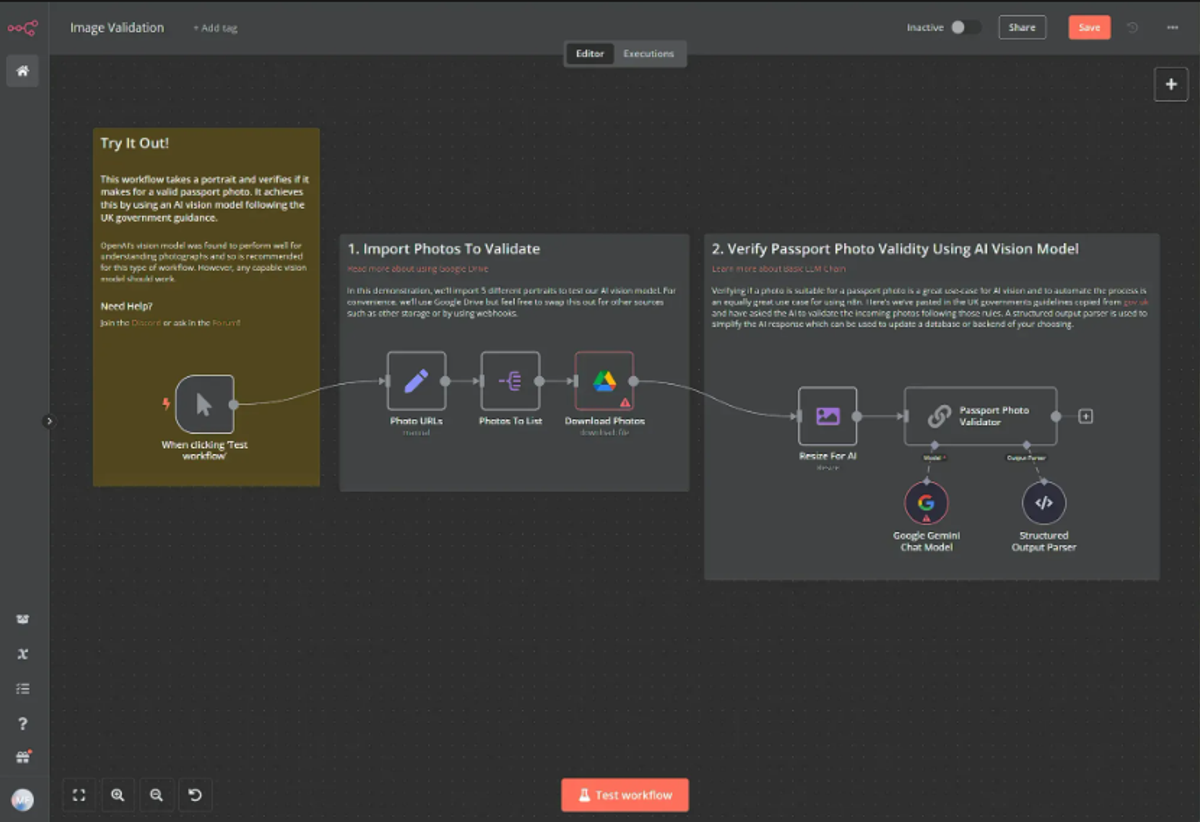
The node-based workflow builder feels similar to Make.com, but it's more technical.
Not in a bad way, in a "I can actually see what's happening" way.
Each node (that's what they call the steps) shows you the exact data going in and out.
It's like cooking with transparent pots.
Weird metaphor, but you get it.
Built-in code nodes are a game-changer.
Sometimes you need to do something slightly custom, like format a date weirdly or do some basic math.
In Make.com, you're Googling for functions and hoping they exist.
In n8n, you just drop in a code node and write three lines of JavaScript.
Even if you've never coded, ChatGPT can write it for you in seconds.
And here's the kicker: unlimited operations.
Because you're hosting it yourself, you're not paying per operation.
Go wild.
Run it a million times.
Break things.
Learn.
No one's charging you extra.
The Trade-Offs (Because Nothing's Perfect)
Self-hosting means you're the IT department.
When something breaks at 2 AM (hasn't happened to me yet, but I'm aware it could), you're googling error messages, not opening a support ticket.
The community is helpful, but they're not getting paid to care about your specific problem.
The learning curve is steeper.
Not Everest-steep, but definitely not a flat sidewalk either.
You'll need to understand basics like webhooks, API keys, and how to read documentation that wasn't written for humans.
If you're allergic to technical stuff, this might frustrate you.
Fewer pre-built integrations.
Make.com has 1,500+ app connections.
n8n has around 400.
Most major apps are covered (Google, Slack, Notion, etc.), but if you're using some obscure B2B tool, you might be out of luck.
Though honestly, n8n's HTTP Request node can connect to basically anything with an API.
The Actually Useful Comparison
Let's talk real scenarios.
If You're a Solopreneur or Small Team
Go with Make.com.
You need things to work fast, and you don't have time to learn server management.
The cost is annoying but worth it for the time you save.
Plus, their pre-built integrations mean you'll be up and running in minutes, not hours.
I watched a friend automate her entire client onboarding flow in a weekend using Make.
She's never written a line of code.
That's the power of good design.
If You're Tech-Comfortable and Scale Matters
Choose n8n.
Once you hit a certain volume, the savings become absurd.
One automation that would cost me $50/month in Make operations? Runs free on my $5 n8n server.
That math gets real convincing real fast.
Plus, if you have even basic dev skills (or a developer on your team), n8n lets you build custom solutions that Make.com would charge enterprise prices for.
If You're a Medium-Sized Business
This is where it gets interesting.
You might want both.
Use Make.com for non-technical team members to build simple automations.
Use n8n for complex, high-volume workflows that would cost a fortune on Make.
They can talk to each other via webhooks.
Weird setup? Maybe.
Cost-effective? Absolutely.
What I Actually Use (and Why)
Full transparency: I use both, but differently.
Make.com handles my client-facing stuff: form submissions, meeting bookings, and email follow-ups.
Things that need to work 100% of the time with zero babysitting.
I can't afford to have those break, and Make's reliability is worth the cost.
n8n handles my data processing: syncing databases, generating reports, and cleaning up files.
High-volume stuff that would bankrupt me on Make's pricing.
I check on it once a week. It's fine.
Is this overkill? Probably.
But it's also saving me real money and giving me the right tool for each job.
The Questions You Should Actually Ask Yourself
Forget features for a second.
Ask yourself these:
How technical am I, really? Not "I used Excel once" technical.
Like, would you be comfortable following a tutorial to install something on a cloud server?
If that sentence made you anxious, Make.com is your friend.
What's my volume going to be?
If you're automating a handful of things that run a few times a day, Make.com's pricing is fine.
If you're processing hundreds of records daily, start doing the math on n8n.
Do I need support or community?
Make.com has actual support humans.
n8n has Discord and forums.
Both work, but differently.
Know yourself.
How important is data privacy?
If you're handling sensitive info, n8n's self-hosted option means data never leaves your server.
That's huge for some industries.
The Honest Verdict
Make.com wins on ease of use, reliability, and time-to-value.
If you're trying to escape manual work and start automating today, it's the obvious choice.
It's polished, it's powerful, and it's priced for small teams who value their time.
n8n wins on cost at scale, flexibility, and control.
If you're technical enough to handle the setup, or if you're processing volumes that make Make.com pricing scary, n8n is legitimately better.
Plus, there's something satisfying about owning your infrastructure.
Neither is "better" universally.
They're better for different people at different stages.
I'll tell you this though: three months ago, I was doing everything manually and hating my life.
Now I'm arguing about which automation tool is better.
That's the real win. Both of these tools will save you time.
The question is just which one fits how you work.
What's Next?
Try them both.
Make.com has a free tier.
n8n has a free cloud version that's easier than self-hosting.
Spend a week with each. Build the same automation in both. See which one clicks with your brain.
And here's a weird tip: join their communities before you commit.
The Make.com Facebook group and the n8n Discord will tell you more about what it's like to use these tools than any blog post (including this one).
Watch people asking questions. Notice what breaks. See how fast they get help.
Whatever you choose, just start.
The best automation tool is the one you'll actually use, not the one with the longest feature list.
Now, if you'll excuse me, I have an automation that's been running smoothly for three days, and I don't trust it yet.

Found this helpful? Do me a favor and bookmark it,
You'll probably need it when you're three hours into watching YouTube tutorials and questioning your life choices.
And if you pick one of these tools and automate something cool, I genuinely want to hear about it.
Drop a comment or send it my way. We're all just trying to work less and live more.