
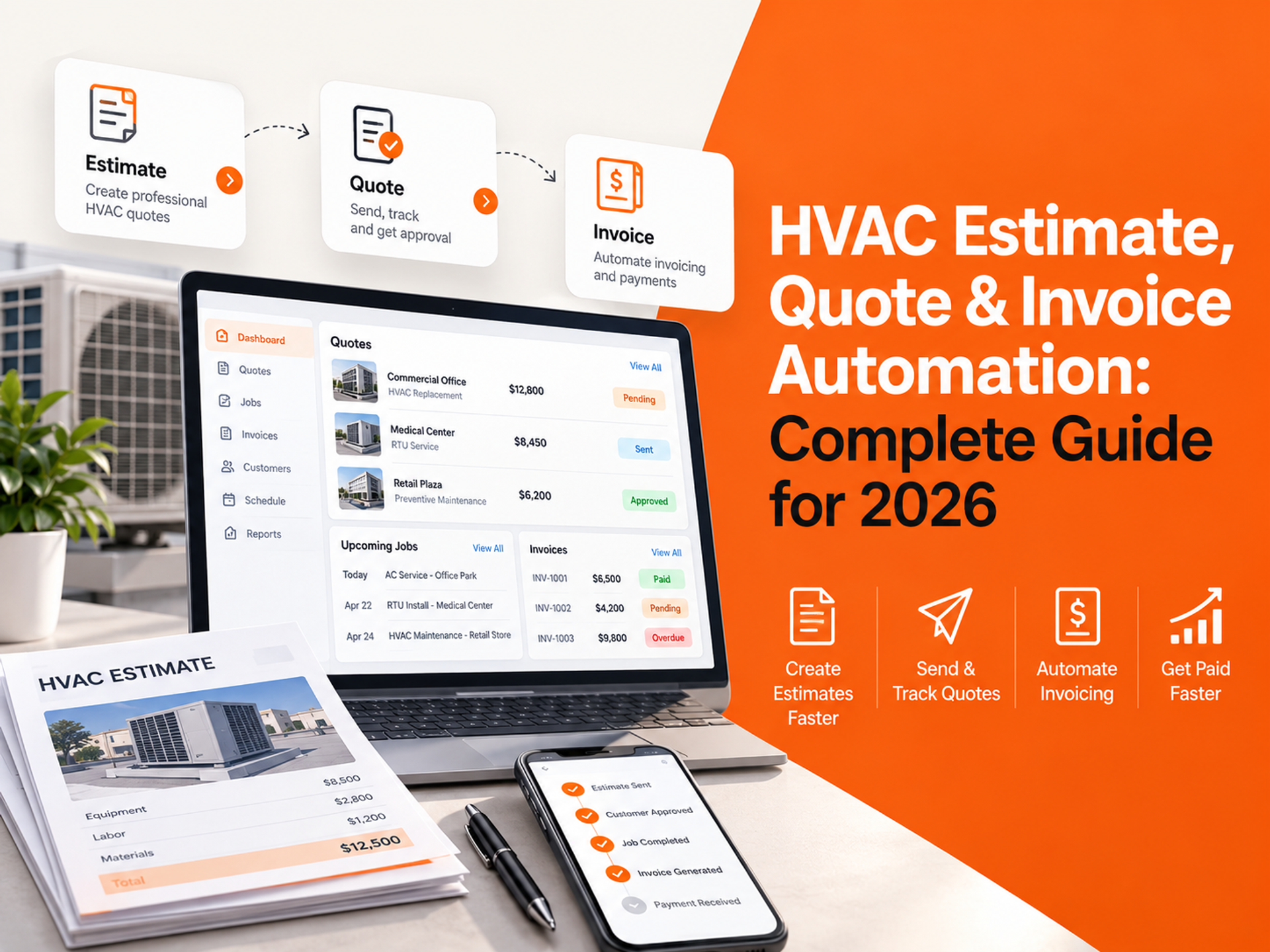
HVAC estimate automation connects the steps between the first site visit and final payment, helping contractors prepare proposals, follow up after an estimate is sent, create jobs after approval, issue invoices when work is complete, and manage payment reminders. Start with the part of the process that repeatedly stalls: quote preparation, estimate follow-up, or invoices waiting while the office handles calls and dispatch.
Table of Contents
The HVAC financial pipeline: where time and revenue are lost
Stage 3: job approval and scheduling
Tools for Each Stage of the HVAC Automation Workflow
How FatCamel AI connects the financial and sales pipelines
The HVAC Financial Pipeline: Where Time and Revenue Are Lost

An estimate begins with site notes, equipment details, labor, materials, and scope. For commercial HVAC work, it may also involve facility managers, property managers, approval processes, maintenance agreements, or multiple locations. After it is sent, the customer may compare proposals or wait for budget approval. Once accepted, it still has to become a scheduled job, completed work, invoice, and payment.
Each handoff can create delay or data-entry mistakes. A dispatcher may be handling emergency calls when an accepted estimate arrives, while follow-up lives in someone’s memory instead of the CRM.
Not every step needs AI. Routine steps need clear triggers, ownership, and records. Automation can connect the workflow while people keep pricing decisions, exceptions, and customer conversations.
Stage 1: Estimate Generation
Build quotes from current information
HVAC estimating software can bring equipment details, labor assumptions, material costs, markup rules, scope templates, and proposal formatting into one workflow. The estimator still reviews the information, but does not have to build every quote from a blank document or search through separate spreadsheets and supplier records.
Keep labor rates, equipment costs, common repair items, exclusions, and approval rules current. A fast estimate built on outdated pricing creates a different problem.
Use good-better-best options carefully
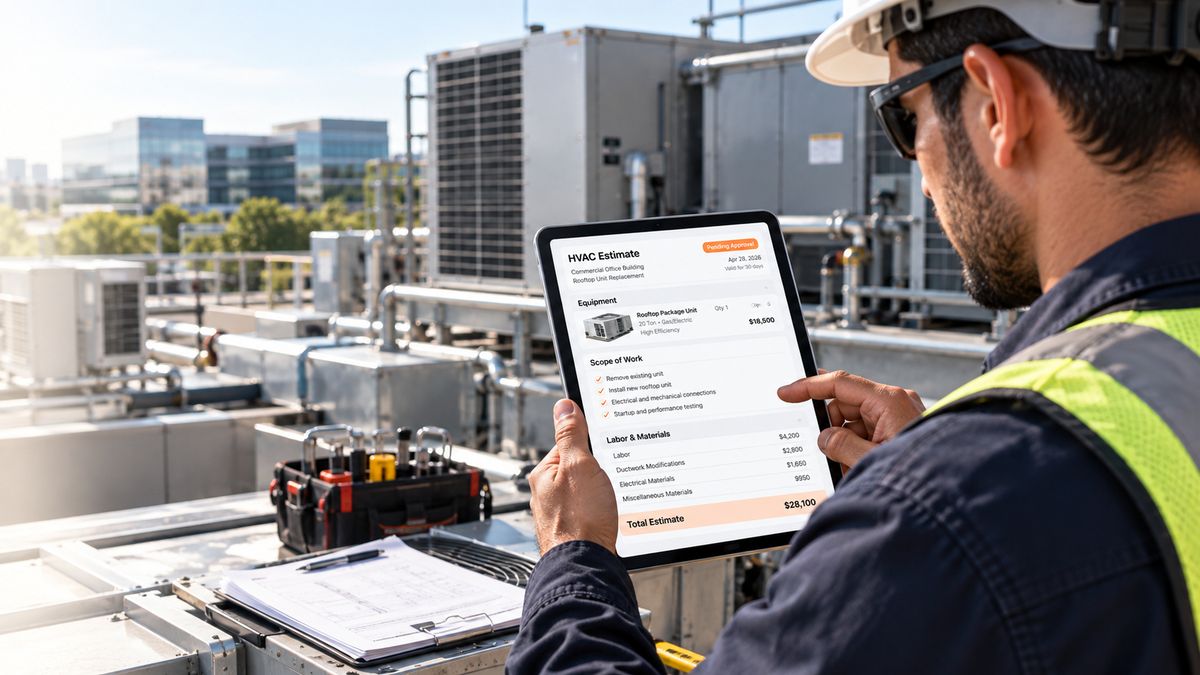
For replacement, repair, or upgrade work, a three-option proposal can make the scope easier to discuss. One option may cover the required repair, another may include a reliability or efficiency improvement, and a third may include broader replacement or coverage.
Explain the available choices without forcing a higher-priced option. State what each tier includes, excludes, and changes for the customer.
Send proposals digitally
Digital delivery and e-signature remove printing, scanning, and manual re-entry. They can also show whether an estimate is sent, viewed, accepted, declined, or awaiting a response.
Contractors can evaluate estimating and pricebook tools such as MyQuoteIQ, ServiceTitan, Jobber Quotes, and Housecall Pro Estimates, depending on their existing workflow and system requirements.
Stage 2: Estimate Follow-Up
An estimate represents the site visit, technician time, scope, pricing, and proposal work already invested. It should not disappear because the dispatcher becomes busy.
A follow-up framework can provide consistency without turning every customer into the same campaign. For example:
- Day 3: Confirm that the customer received the estimate and invite questions about the scope or pricing.
- Day 7: Share useful context, such as what the proposal includes, a maintenance consideration, or an appropriate project example.
- Day 14: Make it easy for the customer to ask for clarification or schedule a conversation.
- Day 21: Send a final, low-pressure message that leaves the door open without pressure.
This is a framework, not an industry rule. Adjust timing and messaging for the job type, urgency, customer preference, and sales cycle.
The trigger matters. When an estimate is marked “sent,” a connected workflow can begin and continue until the customer responds or the estimate status changes.
Example workflow: Site visit → Estimate created → Estimate sent → Follow-up → Customer approval → Job scheduled → Work completed → Invoice sent → Payment reminder.
Read More: How to Add AI to Your HVAC CRM Without Replacing It
Stage 3: Job Approval and Scheduling
Once a customer accepts an estimate, the next step should not depend entirely on someone noticing an email and manually creating a job. A connected workflow can update the customer record, notify the dispatcher, preserve the approved scope, and send a scheduling message for review or delivery.
The dispatcher still controls technician availability, travel time, skills, parts, permits, and urgent work. Automation should prepare information and remove duplicate entry, not make unapproved scheduling decisions.
Many FSM platforms include features for estimate acceptance, job creation, and scheduling, although the available workflow varies by platform and plan. When estimates are produced outside the FSM, an integration may be needed to pass the accepted scope and customer details into the operational system. Confirm the available API, webhook, permissions, and integration options before selecting a separate tool.
Stage 4: Invoice Generation

Invoice automation begins when the work order reaches the right completion status.The approved estimate can provide the original scope and pricing, while technician completion notes can record actual labor, materials, change orders, and customer approvals.
The office should review exceptions, but routine invoices do not need to wait for someone to retype the estimate after a busy day. Sending the invoice promptly also gives the customer a clear record while the work is still fresh.
A practical automated invoice workflow may:
- Generate an invoice after completion
- Carry over agreed line items and documented changes
- Send the invoice with a payment link
- Synchronize with accounting software
- Flag unusual totals for human review
Check how the selected platform handles change orders, partial payments, tax, deposits, and accounting synchronization.
Stage 5: Payment Follow-Up
An invoice that is correct and easy to pay still needs a follow-up process. Customers may miss an email, delay approval, or need a reminder routed to accounts payable. Manual follow-up often waits for an accounts-receivable review.
A configured workflow can send reminders at intervals defined by the contractor's payment policy, such as seven, fourteen, or twenty-one days after the due date. Those are example settings, not universal terms. The schedule should follow the contract, customer relationship, and payment policy. The reminder should stop when payment is received or the invoice is disputed.
The tone matters. A clear reminder with the invoice number, due date, balance, and payment link removes friction. Disputed, overdue, or strategically important accounts should move to a person rather than continuing through an automated sequence.
Read More: 15 HVAC Tasks You Can Automate Using AI (And What Each One Is Worth)
Tools for Each Stage of the HVAC Automation Workflow
No single platform is automatically right for every HVAC business. Some contractors keep estimating, scheduling, invoicing, and payments inside an FSM. Others connect a separate estimating or CRM layer.
Stage
What to evaluate
Example tools or approaches
Estimate generation
Pricebooks, templates, labor and material rules, proposal delivery
MyQuoteIQ, ServiceTitan, Jobber, Housecall Pro, other estimating tools
Estimate follow-up
Status triggers, SMS and email, reply handling, stop conditions
FSM workflows, CRM automation, FatCamel AI Lead Activation Engine, connected platforms
Job approval and scheduling
Accepted-estimate handoff, dispatcher control, technician details
Jobber, Housecall Pro, ServiceTitan, or an integration layer
Invoice generation
Completion triggers, change orders, accounting sync, payment links
FSM invoicing, QuickBooks, Xero, platform-native billing
Payment follow-up
Due-date rules, reminders, disputes, payment status
FSM payment tools, CRM automation, FatCamel AI CRM Automation
Before buying, map the workflow: which system owns the customer record, where estimate status changes, how accepted work reaches dispatch, and who handles exceptions. A lower-cost tool that requires daily duplicate entry can create additional operational work.
How FatCamel AI Connects the Financial and Sales Pipelines
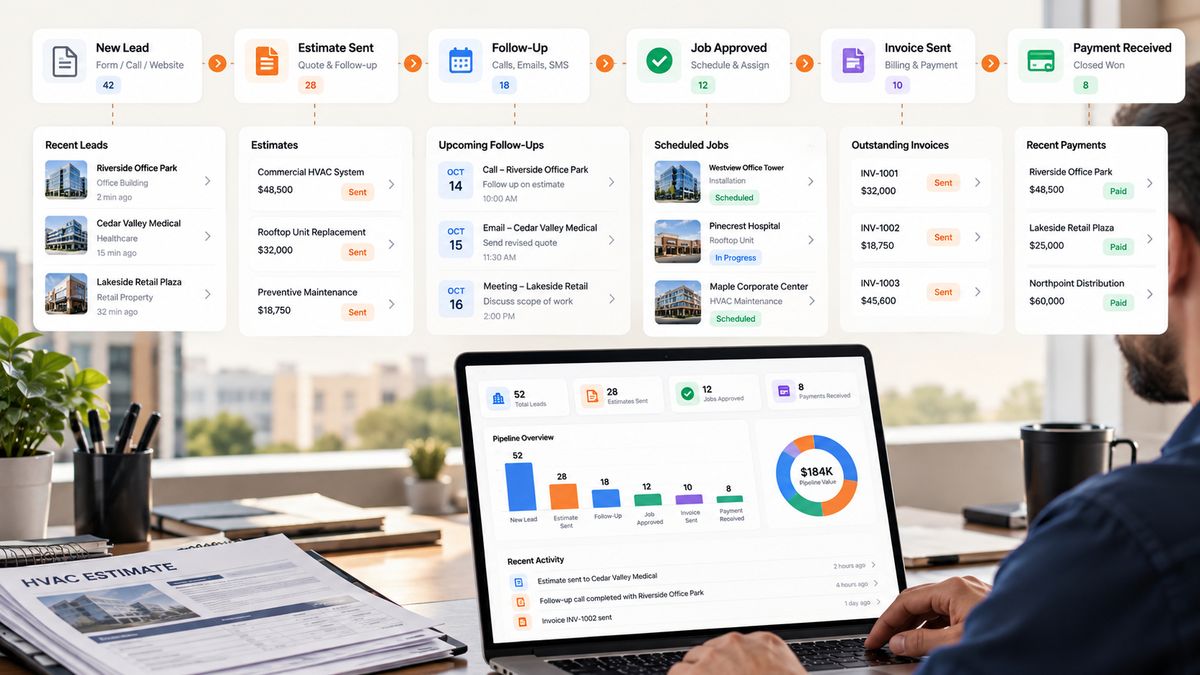
FatCamel AI can support the workflow between an estimate being sent and the customer making a decision.
FatCamel’s Lead Activation Engine can be connected to the company’s existing CRM or FSM workflow. An estimate marked “sent” can trigger an approved SMS or email sequence. The messages can be based on customer and estimate information stored in the connected system. When the customer responds, accepts, or declines, the workflow can stop or route the next step to the team, depending on the configuration.
CRM Automation can also help keep estimate status, follow-up activity, reactivation, and customer records organized across connected systems. The practical result is visibility into proposals needing attention, customer replies, and older opportunities suitable for reactivation.
FatCamel’s process begins with the current tools and the gap they are not solving. The team can identify gaps, connect systems, build and test the workflow, launch it, and optimize it. Explore FatCamel’s CRM Automation service or FatCamel’s Business Automation service.
FAQ
1. What is HVAC estimating software?
HVAC estimating software helps contractors prepare professional quotes using pricebooks, templates, labor rules, material costs, and digital proposal tools. The most useful setup connects estimating with the FSM so approved work can move into scheduling without duplicate entry.
2. How do I automate HVAC estimate follow-up?
Connect the estimate status in the CRM or FSM to an approved SMS and email workflow. A sample sequence may check in on day 3, add useful context on day 7, invite a conversation on day 14, and close the sequence on day 21. Stop the workflow when the customer responds or the estimate status changes.
3. What is the difference between an estimate and a quote?
The terms are often interchangeable. An estimate may be preliminary, while a quote describes a defined price and scope. State the work, pricing, assumptions, exclusions, timeline, and terms clearly.
4. How can HVAC contractors send invoices faster?
Use a completion trigger in the FSM, carry approved scope and documented changes into the invoice, review exceptions promptly, and send the invoice with a convenient payment option. Connect accounting software where appropriate, and confirm how taxes, deposits, partial payments, and change orders are handled.
5. Does automation require replacing the existing FSM?
Not necessarily. Many businesses can add CRM, follow-up, payment, or integration workflows around the FSM they already use. The approach depends on native features, API access, permissions, and the gap to be solved.
6. Can FatCamel automate estimate and invoice workflows?
FatCamel can support CRM, lead follow-up, reactivation, and business workflow automation around connected systems. The exact workflow depends on the contractor’s FSM, CRM, communication tools, approval rules, and accounting process.
References
https://buildops.com/resources/hvac-quotes
https://www.simprogroup.com/blog/hvac-invoicing
https://relayfi.com/blog/hvac-estimating-software/
https://mobileforce.ai/blog/cpq-for-hvac-contractors-tools-workflows-and-best-practices/
https://onepath.ai/blog/hvac-conversion-rates-ultimate-guide
https://www.simprogroup.com/resources/ebooks/trades-outlook-report-2025
https://www.invoiceowl.com/industry/hvac-estimate-and-invoicing-software/