

If you’re evaluating n8n Cloud plans, the first question you’re probably asking is simple:
How much does n8n cost per month?
That question is, how much does n8n Cloud cost? has evolved. Unlike many software services with fixed pricing and feature tiers, n8n’s cloud pricing is based on how much automation work you’re doing, not just who is using the account. That’s great for flexibility, but it also makes understanding n8n's monthly cost more complicated.
In this guide, we’ll break down:
- What you actually get with n8n Cloud
- How the n8n monthly cost is calculated
- What execution limits mean in real terms
- The actual price points at each tier
- How to forecast your spend based on usage
Read more here about Free LinkedIn Automation Tool
What is n8n Cloud?
n8n Cloud is the hosted version of the workflow engine. You let the n8n team host, update, secure, and scale the service for you. You don’t run n8n on your own servers or infrastructures.
This means you don’t need DevOps expertise, you avoid managing uptime or production reliability, and you can start automations fast, all of which are part of the subscription cost.
Importantly:
You don’t host servers
You get automatic updates
You get managed uptime and reliability
Plan limits are based on workflow executions, not features
Understanding this framework is critical to answering how much n8n costs per month in a practical way.
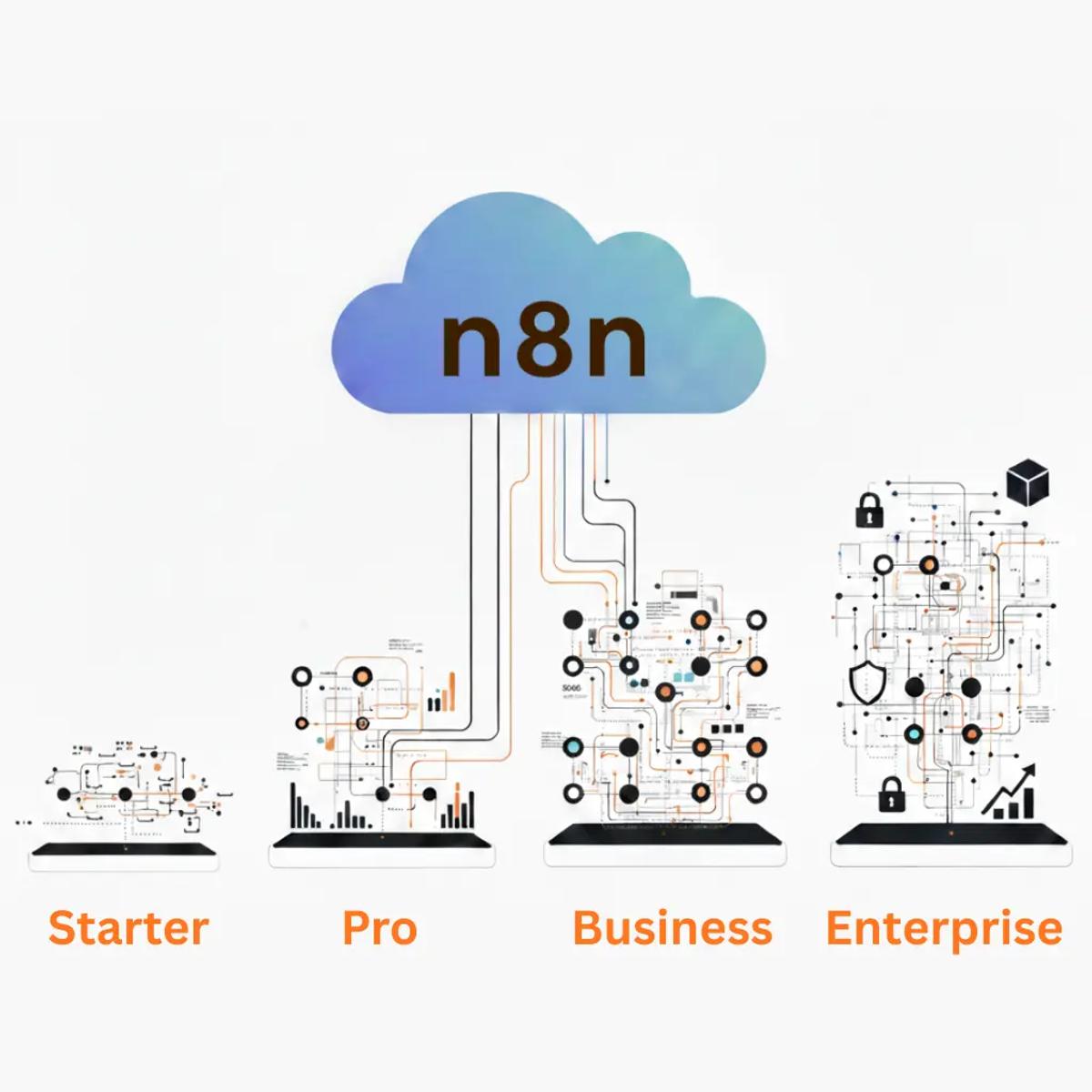
The Core n8n Cloud Plans & Pricing
Here are the current official n8n Cloud plans and monthly costs (all billed annually, with trial availability).
Starter Plan
€20/month (billed annually)
Includes 2,500 workflow executions per month
Unlimited workflows and steps
Unlimited users
Hosted by n8n
This is the base tier designed for individuals, side projects, and early automation tests. The execution limit reflects workflows running moderately (e.g., daily or event-driven runs). Ideal if you’re just beginning to automate processes or validating use cases without a heavy load.
Pro Plan
- €50/month (billed annually)
- Includes 10,000 workflow executions per month
- Unlimited workflows and steps
- Unlimited users
- Hosted by n8n
The Pro tier suits small teams or production automations that trigger more frequently. With 10K executions, you can support workflows that run multiple times per day across various triggers.
Business Plan
- €667/month (billed annually)
- Includes 40,000 workflow executions per month
- Unlimited workflows and steps
- Everything in Pro, plus advanced features
- Hosted by n8n
This tier is for companies scaling automation broadly across functions, sales, marketing, support, operations, where run counts go up quickly.
Enterprise Plan
- Custom pricing
- Custom execution limits and SLA support
- Hosted by n8n or self-hosted options with enterprise support
Designed for very high-usage environments and regulated industries, Enterprise pricing is negotiated based on expected volume and support needs.
Note: All Cloud plans come with unlimited workflows, steps, and users, meaning you’re charged only for executions, not for how many automations you build.
Read more here about n8n Pricing in 2026
What “Execution Limits” Really Mean
At first, execution limits can feel abstract. To make sense of the n8n cloud cost, think of executions as the unit of automation work.
If a workflow runs once, that’s one execution. If the same logic triggers 100 times, that’s 100 executions.
Here’s how this plays out in real terms:
Low-frequency automations: Workflows that run on a schedule (once per day, once per hour) consume only tens to hundreds of executions per month.
Medium frequency automations: Event-driven workflows tied to user actions (form submissions, CRM updates) can consume thousands of executions.
High frequency or API-heavy automations: Webhook events, rapid polling schedules, and AI steps can quickly push execution counts into tens of thousands.
For example:
- A workflow triggered daily → ~30 executions/month
- A workflow triggered every hour → ~720 executions/month
- A webhook triggered 100 times/day → ~3,000 executions/month
- A real-time lead intake system → potentially 10,000+ executions/month
This is why n8n Cloud plans are structured around execution tiers rather than workflow count: your billing correlates directly with how often automation runs.
Read more here about Free WhatsApp Automation Using n8n
Why Execution-Based Billing Can Feel So Different
Execution-based pricing is fundamentally usage-aligned; you pay for automation that actually does work. But it can feel surprising when workflows start doing more work than expected.
Two workflows with similar complexity but different trigger frequency can have dramatically different execution counts. This often leads to confusion about the n8n monthly cost because teams don’t initially track execution volume.
The key thing to remember:
- You don’t pay for workflow complexity.
- You pay for workflow activity.
This is why n8n Cloud pricing scales with execution usage rather than workflow count or feature access.
How the Starter Plan Fits Early Automation Needs
At €20/month for 2,500 executions, the Starter plan is designed to get you started without a big commitment. On this plan:
- You can test basic automations
- Handle small forms, daily syncs, or low-volume triggers
- Build and refine workflows without hitting limits immediately
If you’re just exploring automation or have low usage, Starter lets you pay only for what you need while keeping costs predictable.
There’s also usually a free trial available so you can test execution behavior before committing.
When the Pro Plan Makes Sense
Once automation grows beyond occasional triggers, the Pro Plan (€50/month) becomes more compelling. With 10,000 executions/month:
- You can support more frequent automations
- Handle recurring webhooks or multi-step workflows
- Avoid frequent overage charges
This tier is often where teams achieve real value from n8n Cloud, balancing cost and automation capacity without immediate pressure to self-host or scale infrastructure yourself.
Read more here about Free Telegram Automation Using n8n
What Happens When You Hit Execution Limits
When workflows exceed your plan’s monthly execution limit, two things can happen depending on the plan and billing structure:
You may be charged overage fees (an extra fee per execution beyond your limit).
Your automation may pause until the next billing cycle or plan upgrade.
Always check n8n’s current overage policy at the time of signup, as terms can change.
A Quick Reality Check on Real World Usage
Many teams underestimate execution volume because they think only in workflow count, not trigger frequency. A workflow tied to incoming leads, API callbacks, or real-time events can run thousands of times per month, even with a small user base.
To estimate your n8n cloud cost, think about:
- How often does each workflow run
- Whether retries or error logic will trigger extra executions
- Whether AI or external APIs are part of the workflow
Execution estimation is one of the most important forecasting skills for n8n Cloud cost planning.
Real-World Execution Scenarios
Let’s ground this with realistic examples.

A lead capture workflow connected to a website form:
- 50 leads per day
- One workflow execution per lead
→ ~1,500 executions per month
A CRM sync workflow running every 15 minutes:
- 96 runs per day
→ ~2,880 executions per month
A webhook-based automation receiving events from another system:
- 300 events per day
→ ~9,000 executions per month
None of these workflows is complex. But together, they can push a Starter plan past its limit very quickly.
This is why teams often underestimate the n8n cloud cost per month early on.
Read more here about Free Email Automation Using n8n
Retries, Errors, and “Invisible” Executions
Another overlooked factor is retries.
If a workflow fails and retries:
Each retry is a new execution
Error-handling branches also count
This means poorly handled API failures can quietly double or triple execution usage.
Good workflow design is not just about reliability; it directly affects n8n subscription cost.
Execution Forecasting: A Simple Mental Model
To estimate how much n8n Cloud costs per month, you don’t need exact numbers. You need ranges.
Ask yourself:
- How many times per day will this workflow realistically trigger?
- Is the trigger user-driven or system-driven?
- Will volume grow linearly or suddenly?
Multiply daily triggers by 30, then add a safety buffer.
This simple approach is usually enough to choose the right plan without overthinking.
When Overages Enter the Picture
Depending on your plan and billing terms, exceeding execution limits may:
- Trigger overage charges
- Pause workflows until the next billing cycle
- Force an upgrade mid-month
Overages are rarely catastrophic, but they are annoying, especially when you didn’t expect them.
This is why teams on Pro or Business plans often monitor execution usage weekly, not monthly.
Cost Control Is a Design Problem, Not a Pricing Problem
One of the most important insights about n8n Cloud pricing is this:
Most cost issues come from workflow design, not plan choice.
High-frequency polling, unnecessary triggers, poor retry logic, and unfiltered webhooks all inflate execution counts.
Teams that design workflows thoughtfully often stay on lower plans far longer than expected.
The Psychological Shift Around Pro and Business Plans
There’s also a mindset change as you move up plans.
On Starter, every execution feels precious.
On Pro, automation starts to feel safe.
On Business, automation becomes invisible infrastructure.
This shift is normal, but it’s also where waste can creep in if systems aren’t reviewed periodically.
When n8n Cloud Is Still the Right Choice
Despite rising execution costs, many teams stick with n8n Cloud because:
- Infrastructure management is non-trivial
- Reliability has real business value
- Internal DevOps time is expensive
- Speed matters more than optimization
In these cases, the n8n cloud subscription cost is justified not by being cheap but by being predictable and stable.
A Reality Check Before Choosing a Plan
Before committing to a plan, ask:
- Are our workflows event-heavy or schedule-heavy?
- Do we expect sudden spikes?
- Is AI involved in execution paths?
- Should we consider servers at all?
Your answers will usually point clearly toward Starter, Pro, Business, or toward eventually self-hosting.
The Cloud vs. Self-Hosted Cost Breakpoint
There isn’t a universal number where Cloud suddenly becomes “bad.” But there is a pattern most teams follow.
As a rough rule of thumb:
Below ~10,000 executions/month → Cloud (Pro) is usually economical
Between ~10,000–40,000 executions/month → Cloud can work, but costs should be reviewed
Beyond ~40,000 executions/month → teams often compare Cloud vs. self-hosted seriously
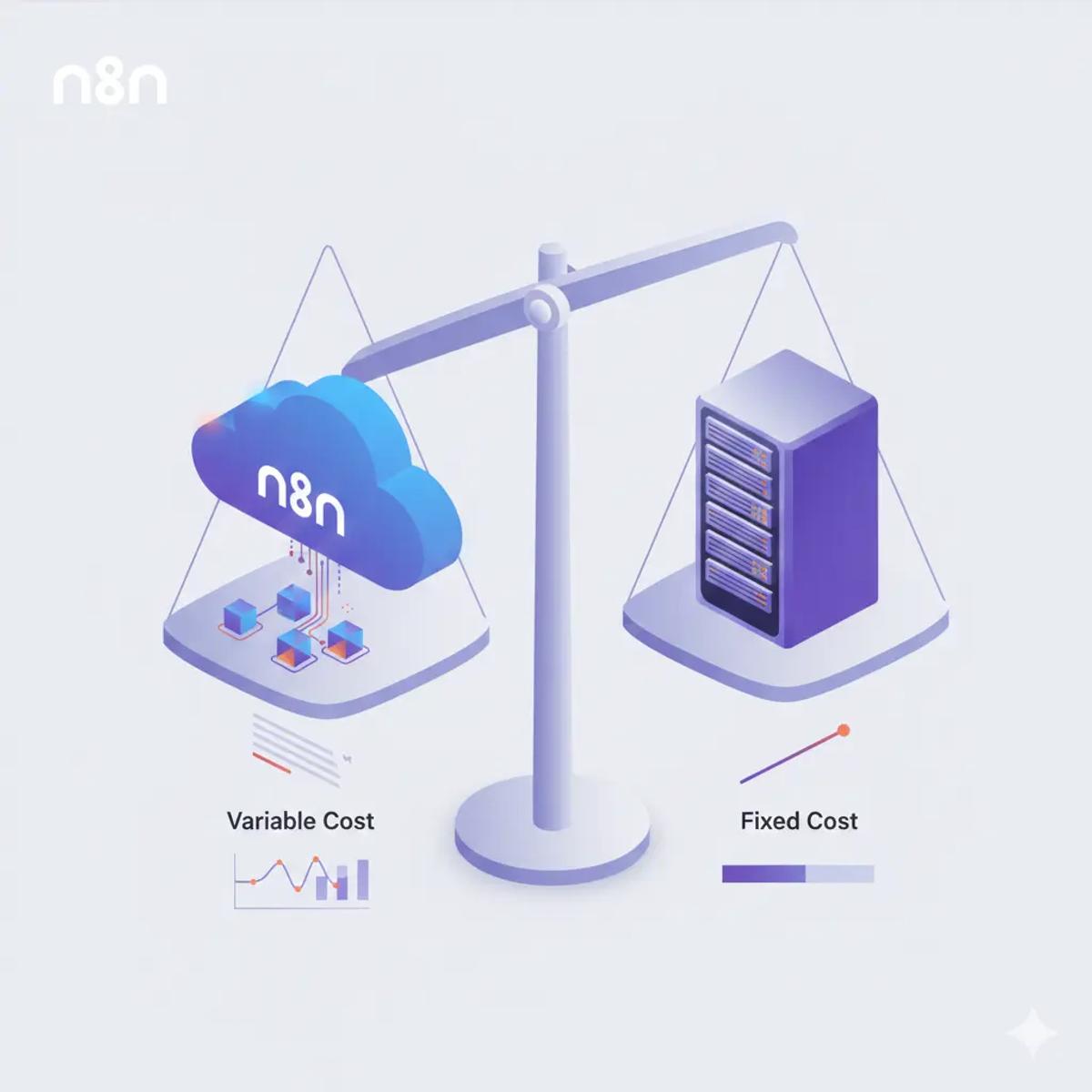
The reason is simple. Cloud pricing scales with activity. Self-hosted pricing scales with capacity.
Once execution volume is consistently high, a fixed infrastructure cost often beats a variable usage bill, provided you’re willing to own the operations.
Why Many Teams Still Stay on Cloud
It’s essential to be honest here: many teams intentionally remain on n8n Cloud, even when self-hosting would be more cost-effective.
Why?
Because cost is not the only variable.
Teams stay on Cloud when:
- DevOps time is scarce or expensive
- Reliability matters more than optimization
- Automation changes frequently
- Downtime risk is unacceptable
- The business values focus over efficiency
In these cases, the n8n cloud subscription cost is treated like infrastructure insurance. It’s not the cheapest option, but it’s the least distracting.
Cost Optimization Inside n8n Cloud
Before you even think about leaving Cloud, there’s usually room to reduce your n8n cost per month through better workflow design.
Reduce Trigger Noise
High-frequency schedules and unfiltered webhooks are common execution killers. Often, triggers fire far more often than needed.
Simple changes like batching events, increasing schedule intervals, or filtering early can reduce execution counts dramatically.
Move Filtering Upstream
Executions count from trigger to finish. If a workflow exists early after a filter, that still counts as one execution, but downstream work is avoided.
The goal is to avoid triggering workflows unnecessarily, not just to stop them early.
Control Retries and Error Loops
Retries are useful, but uncontrolled retries inflate usage fast. Many teams discover that a single unstable API can double their monthly execution count.
Smart retry limits and backoff logic don’t just improve stability; they directly reduce cost.
Separate High-Frequency and Low-Frequency Workflows
A common pattern is splitting:
- High-frequency ingestion workflows (lean, minimal logic)
- Low-frequency processing workflows (heavier logic, AI steps)
This keeps expensive steps out of hot paths and stabilizes execution usage.
AI and Its Outsized Impact on Cloud Costs
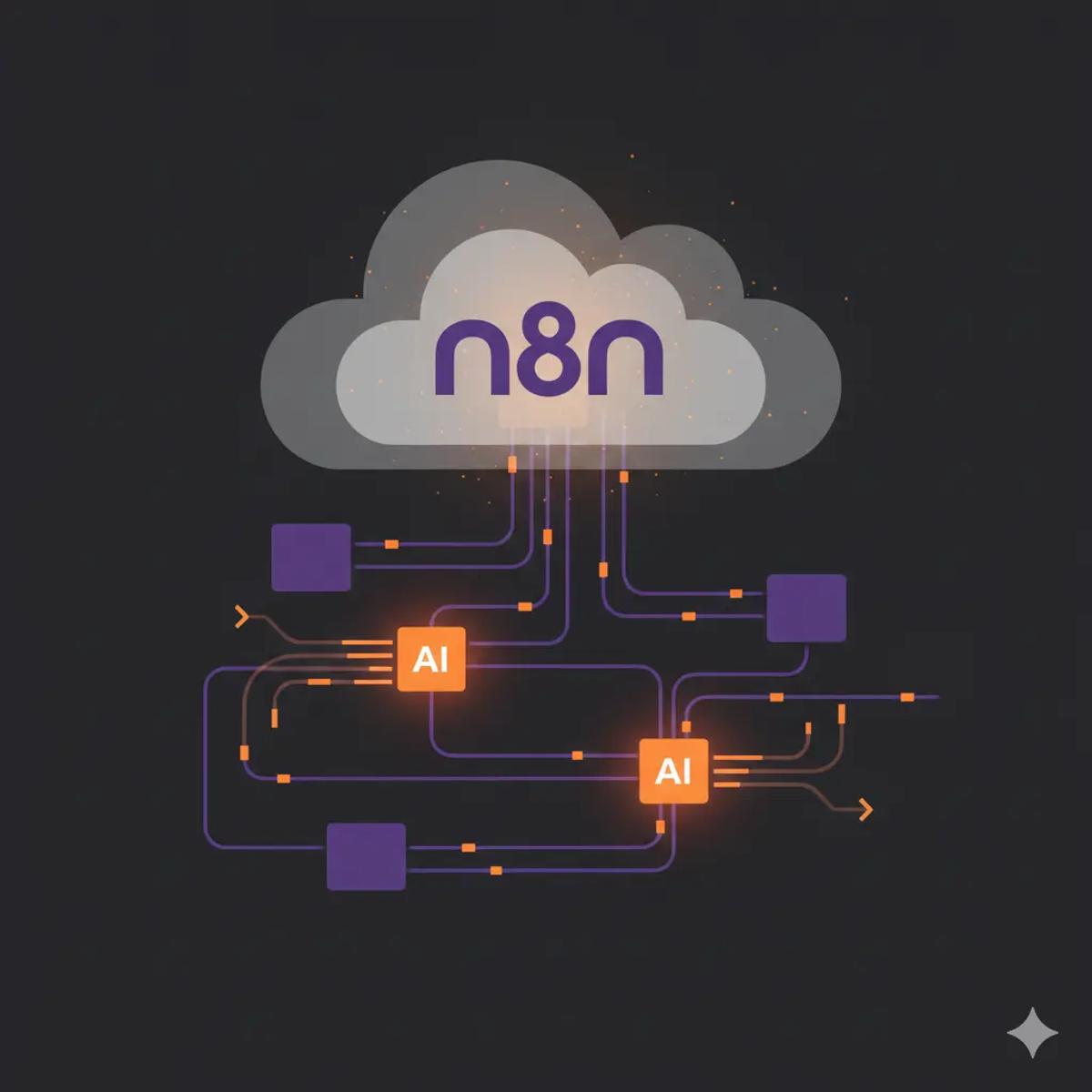
By 2026, AI will be deeply embedded in automation. But AI changes the economics of the Cloud more than anything else.
AI steps often:
- Increase execution time
- Require retries
- Sit inside frequently triggered workflows
Even if AI calls themselves are billed separately by the model provider, the workflow executions still count toward your n8n Cloud limit.
This is why many teams:
Prototype AI workflows on the Cloud
Stabilize logic and volume
Then move AI-heavy flows to self-hosted environments
AI doesn’t make the Cloud unusable, but it makes cost planning essential.
Monitoring and Forecasting: How Mature Teams Avoid Surprises
Teams that stay comfortable with the n8n monthly cost do two things consistently.
First, they monitor executions weekly, not monthly. Waiting for a billing alert is too late. A simple weekly check catches growth trends early.
Second, they forecast changes before deploying new workflows. Any automation tied to user actions, inbound traffic, or external systems gets a rough execution estimate before launch.
This habit alone prevents most “surprise bills.”
Choosing the Right n8n Cloud Plan
Here’s a grounded way to choose without overthinking:
- Choose Starter (€20/month) if automation is light, infrequent, or experimental.
- Choose Pro (€50/month) if automation runs daily across multiple systems.
- Choose Business (€667/month) if automation is core infrastructure and execution volume is consistently high.
- Talk to Enterprise if compliance, SLAs, or scale make standard plans insufficient.
And remember: upgrading plans is easier than downgrading expectations.
When to Consider Leaving n8n Cloud
Leaving Cloud is not a failure. It’s often a sign of maturity.
Consider alternatives when:
- Execution costs grow faster than business value
- AI workflows dominate usage
- Compliance or data control becomes critical
- Infrastructure ownership becomes acceptable
Many teams follow a healthy lifecycle:
Cloud → Optimize → Hybrid → Self-Hosted
Cloud is a starting point, not a trap.
Final Take: What n8n Cloud Pricing Really Means
So, how much does n8n Cloud cost per month?
It depends on:
How often do your workflows run
How well they’re designed
How central automation is to your business
How much operational responsibility do you want to avoid
n8n Cloud pricing isn’t cheap or expensive by default. It’s honest. It charges you for automation that actually runs.
If you understand executions, monitor usage, and design thoughtfully, the Cloud can scale with you longer than most people expect.
And when it doesn’t, that’s not a problem. It’s a signal.
FAQs: n8n Cloud Monthly Costs & Limits
How much does n8n Cloud cost per month?
Plans start at €20/month and scale based on execution limits, with higher tiers for larger usage.
What counts as an execution in n8n Cloud?
Each full workflow run from trigger to finish counts as one execution, including failures and retries.
Is n8n Cloud cheaper than self-hosting?
At low to moderate volumes, often yes. At high volumes, self-hosting can be cheaper if you accept operational overhead.
Do AI steps increase n8n Cloud cost?
Yes, indirectly, AI steps usually live in frequently triggered workflows, increasing execution usage.
Can I reduce my n8n Cloud bill without changing plans?
Yes. Optimizing triggers, retries, and workflow structure often reduces execution counts significantly.