
If you’re considering n8n for workflow automation, one of the first questions you’ll likely ask is: how much does n8n cost?
This looks like a simple and common question. However, n8n does not follow the typical Saas norms where they have fixed plans and feature limits. It offers three different ways to access the same automation engine: Cloud, self-hosted, and desktop. Each of these options varies in infrastructure, maintenance, scalability, and reliability.
This classification creates confusion. People are expecting a single number for the question of pricing. In reality, the cost of n8n depends not on features but on how much operational ownership you want to take on.
In this blog, we’ll break down n8n pricing in 2026 in a structured, practical way. We’ll start by understanding what n8n actually is and why its pricing model is different. Then we’ll go deep into each deployment option: Cloud, Self-Hosted, and Desktop, covering benefits, downsides, real-world use cases, hidden costs, and long-term implications. By the end, you’ll be able to choose an option that fits not just your current setup, but the way your automation is likely to grow.
What Is n8n and Why Pricing Works Differently
n8n is a workflow automation platform that allows you to connect tools, move data between systems, and execute logic-based processes without building everything from scratch. Teams use n8n to automate CRM pipelines, lead management, internal operations, data synchronization, notifications, and increasingly, AI-assisted workflows.
Read more here about Free LinkedIn Automation Tool – A Complete Guide
What makes n8n fundamentally different from many automation platforms is its architecture-first approach. Most SaaS automation tools bundle pricing, hosting, and feature access together. As you use the tool more, you pay more, and you accept the platform’s constraints as part of the deal.
n8n doesn’t have these concerns. The automation engine remains the same regardless of where it runs. What changes is who owns the infrastructure and operational responsibility.
This is why n8n pricing is different and unusual. You’re not just choosing a plan. You’re choosing a deployment model, and that decision affects cost, flexibility, and scalability.
Understanding the Three n8n Deployment Options
Before diving into costs, it’s essential to understand the three primary ways n8n can be utilized.
n8n can run:
As a fully managed cloud service
As a self-hosted system on your own infrastructure
As a local desktop application
All three options use the same core workflow engine. Your workflows do not fundamentally change. What changes are where they run, how reliable they are, and how costs scale over time.
n8n Cloud
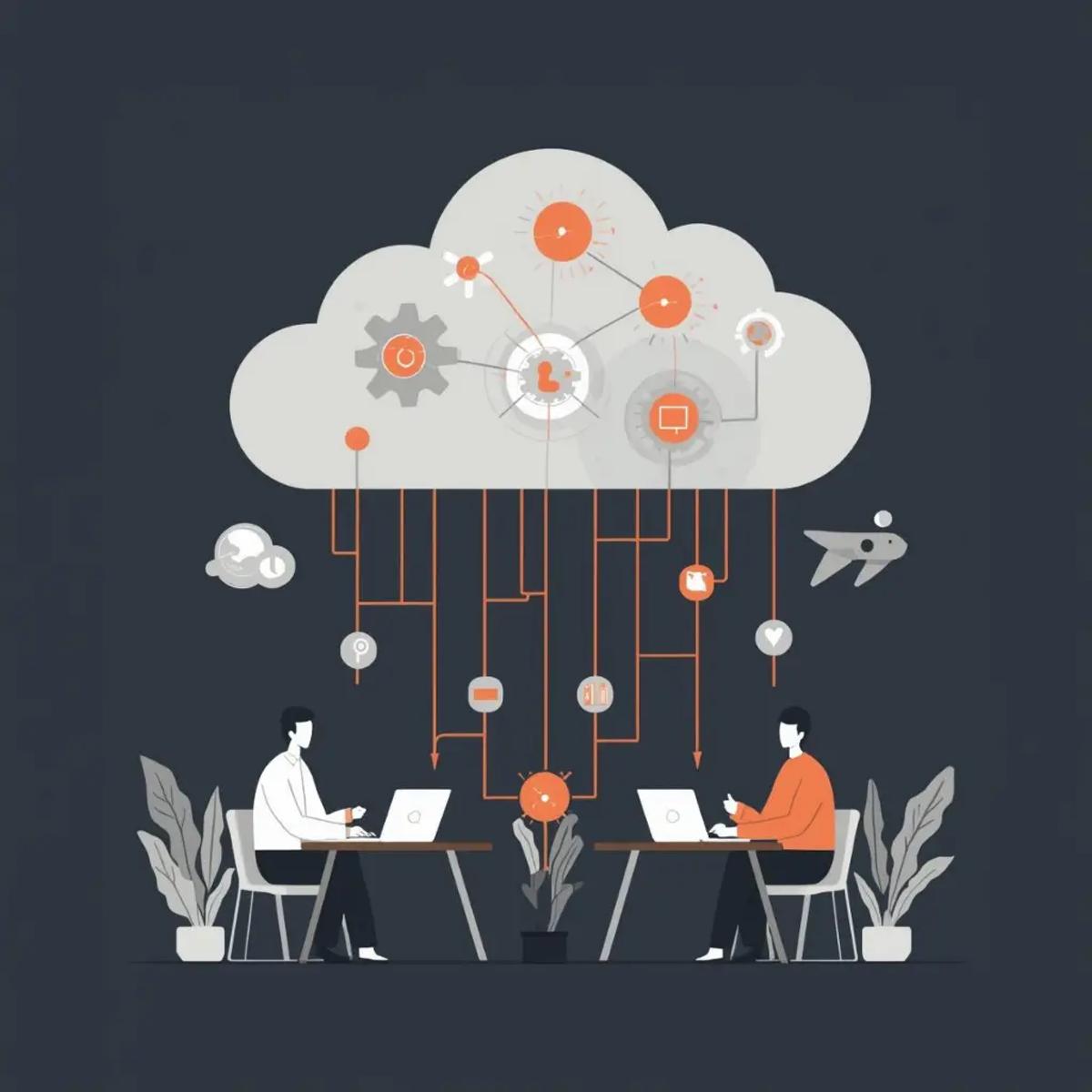
n8n Cloud is the fully managed version of the platform. You sign up, log in through a browser, and start building workflows immediately. Infrastructure, uptime, updates, backups, and security are all handled by the n8n team.
This is the most common option people opt for, as this is the first they encounter.
Read more here about Free CRM & Workflow Automation Using n8n
How n8n Cloud Pricing Works
n8n Cloud uses a subscription-based pricing model that increases with usage. While exact tiers and numbers may change over time, the underlying principle remains consistent: as your workflows execute more often and grow more complex, your monthly cost increases.
This includes factors like how frequently workflows are triggered, how many steps they include, and how much processing they require. AI-powered steps, in particular, tend to increase usage significantly.
In the early stages of automation, this model feels reasonable. Costs remain low while workflows are few and experimental.
Why Teams Choose n8n Cloud
The primary reason teams choose n8n Cloud is speed.
There is no setup process. You don’t need to think about servers, Docker containers, SSL certificates, or monitoring. You can go from idea to live automation in hours.
Another major advantage is reliability. Because the platform is managed, workflows run continuously without requiring attention. Updates and security patches are applied automatically, which reduces operational risk and maintenance effort.
Cloud also simplifies collaboration. Teams can collaborate in a shared environment, manage credentials centrally, and onboard new users without encountering local setup issues. For agencies and growing teams, this is sufficient justification for the cost.
The Downside of n8n Cloud
While n8n Cloud is convenient, its limitations become more visible as automation grows.
Because pricing is usage-based, execution-heavy workflows can drive costs up quickly. This is especially common in systems that rely on frequent triggers, webhooks, or AI-based logic. Teams sometimes discover that workflows they rely on daily are also the ones costing them money.
Cloud also limits control. You cannot deeply customize infrastructure, fine-tune performance at a low level, or fully control data residency beyond what the platform allows. For many early-stage teams, this is acceptable. For regulated industries or data-sensitive environments, it can be a serious limitation.
Finally, Cloud introduces long-term dependency. While n8n is transparent and open-source, Cloud users are still subject to platform limits and future pricing changes. This doesn’t make Cloud a bad choice, but it does make it a strategic one.
Best-Fit Scenarios for n8n Cloud
n8n Cloud works best when:
You want automation to live quickly
You don’t have dedicated DevOps support.
Workflow volume is still moderate or predictable.
Startups, agencies, and small-to-mid-sized teams often find Cloud to be the most practical for the beginning of the automation journey.
Read more here about Free WhatsApp Automation Using n8n
Example Cloud Use Case
A marketing team automatically captures leads from ads, syncs them to a CRM, sends follow-up emails, and alerts sales.
Self-Hosted n8n
Self-hosted n8n means you run the n8n software on infrastructure you control. That infrastructure could be a virtual private server, a cloud instance on AWS, GCP, or Azure, or even an on-premise machine. The n8n license itself does not charge you per workflow, per execution, or per user.
However, the moment you self-host, you shift from a subscription cost model to an ownership cost model.
Instead of paying n8n for convenience, you pay in:
– Infrastructure
– Setup effort
– Ongoing maintenance
– Reliability responsibility
The Real Cost of Self-Hosted n8n
One of the most common misunderstandings around n8n pricing is that self-hosting is “free.”
In reality, self-hosting replaces recurring SaaS fees with predictable operational costs.
At a minimum, self-hosted n8n requires:
– A server to run the application
– Persistent storage for workflow data and executions
– Backups
– Monitoring
These costs do not depend on many times a workflow runs. They depend on capacity, not usage.
This distinction is what makes all the difference.
With n8n Cloud, costs grow continuously as execution volume increases. With self-hosted n8n, costs grow in steps. You upgrade infrastructure only when you reach performance limits.
That single difference is why self-hosted n8n becomes more cost-effective at scale.
Read more here about Free Telegram Automation Using n8n
Control as an Advantage
Control is often framed as a technical preference. In practice, it’s also a financial advantage.
With self-hosted n8n:
– You control data locality
– You control performance tuning
– You control security boundaries
– You control the scaling strategy
This matters because workflows vary in complexity. Some are critical. Some are data-intensive. Some are intelligence-driven. Some are low-complexity.
In Cloud environments, all workflows are priced under the same usage logic. In self-hosted environments, you can prioritise and optimise based on importance.
Downside of Self-Hosted n8n
The biggest downside of self-hosted n8n isn’t the license cost; it’s the responsibility that comes with it. While self-hosting gives you full ownership over data, security, and compliance (which is essential for regulated industries like finance, healthcare, or enterprise SaaS), it also shifts every operational burden onto your team. Compliance features such as data residency, audit logs, access control, and network isolation can be configured exactly to your needs, but only if you have the expertise to do it right. A misstep here doesn’t just cause inconvenience; it can lead to security gaps or compliance risk.
When you self-host n8n, you are responsible for:
Deployment and infrastructure setup
Ongoing upgrades and maintenance
Monitoring and handling downtime
Backups and disaster recovery
Incident response and security management
This doesn’t mean self-hosted n8n is unreliable. It means reliability depends entirely on you. Teams without clear technical ownership often underestimate this effort, and a poorly maintained setup can cost more in stress, downtime, and risk than a Cloud subscription would.
Best-Fit Scenarios for Self-Hosted n8n
Self-hosted n8n is a strong fit when:
– Workflow volume is high
– AI is deeply rooted in automation
– Cost predictability is more important than convenience
– Data control or compliance is crucial
– You need long-term flexibility without any usage penalties
Scale-ups and large organizations often arrive at this point naturally once Cloud pricing no longer fits their growth or usage needs.
Example Self-Hosted Use Cases
1. High-Volume Lead Processing
Companies running large ad campaigns process thousands of leads daily. Self-hosted n8n handles heavy workloads without per-execution limits, keeping costs stable even if volume grows.
2. Sensitive Data Automation
Businesses in finance, healthcare, or education automate workflows while keeping all data on their own servers. This helps meet strict compliance rules and avoid risks linked to third-party cloud storage.
3. Core Business Automation
When automation runs billing, onboarding, or internal tools, downtime is important. Self-hosted n8n gives full control over uptime, backups, and performance, crucial when workflows directly impact revenue.
n8n Desktop
n8n Desktop is the least talked-about option when discussing how much n8n costs, yet it plays a critical role in how many teams actually adopt the platform.
Read more here about Free Email Automation Using n8n

At a surface level, n8n Desktop is simple: it runs locally on your machine, costs nothing, and gives you access to the same workflow editor and nodes you’d find in Cloud or Self-Hosted versions. From a pricing perspective, it offers the cleanest answer to “Does n8n cost money?” No, not here.
But Desktop is not a cheaper version of Cloud or Self-Hosted. It serves a completely different purpose.
What n8n Desktop Is Actually Designed For
n8n Desktop exists to remove friction at the learning and experimentation stage.
It allows individuals and teams to:
– Learn how n8n works
– Explore integrations safely
– Prototype workflows without risk
– Test logic before production deployment
Because it runs locally, there are no infrastructure decisions, no subscriptions, and no long-term commitments. This makes Desktop extremely powerful in the early stages.
Many experienced teams quietly rely on Desktop even after moving to Cloud or Self-Hosted. They use it as a sandbox, a place where workflows are designed, tested, broken, fixed, and refined before touching production systems.
The Hard Limitations of n8n Desktop
Despite being free, n8n Desktop has strict limits that make it unsuitable for production use.
Workflows only run while your machine is on. If your laptop sleeps, shuts down, or loses connectivity, automation stops. There is no built-in high availability, no redundancy, and no multi-user collaboration at scale.
There is also no guarantee of reliability. Desktop environments are not monitored the way servers are. A workflow can silently fail without anyone noticing.
Because of this, a Desktop should never be treated as an operating system. It is a design and learning tool, not infrastructure.
Best-Fit Scenarios for n8n Desktop
n8n Desktop is ideal when:
– You are learning n8n for the first time
– You want to prototype workflows quickly
– You need a safe testing environment
– You are training team members
– You want zero cost and zero setup
In serious automation teams, Desktop often lives alongside Cloud or Self-Hosted,not instead of them.
How Team Size Changes the Pricing Equation
Team size plays a big role in how n8n pricing feels.
For solo founders or very small teams, n8n Cloud can feel expensive early on because every cost stands out. The desktop looks appealing at first, but it’s not always reliable. Self-hosting often feels overwhelming due to the technical setup involved.
For small to mid-sized teams, the Cloud usually makes more sense. Features like collaboration, shared access, and managed reliability are worth the price. Self-hosting works only if someone on the team can clearly handle the infrastructure.
For large teams and enterprises, the situation changes. Cloud costs can become hard to predict at scale, especially with AI-driven workflows. Self-hosted n8n becomes more attractive because infrastructure costs can be shared across many teams and workflows.
That’s why there is no single “best” n8n pricing option. The right choice depends on team size and how advanced your automation setup is.
Key Considerations
When teams compare automation pricing, they usually focus on subscription fees and ignore risk. But risk has a real cost. In regulated or data-sensitive industries, a failed audit, data exposure, or access issue can be far more expensive than any monthly plan. This is where factors like data location, access control, audit logs, and system isolation become important. Self-hosted n8n gives teams full control over these areas, making it a safer choice when compliance and security matter. Cloud platforms may meet general standards, but they rarely offer the same depth of control.
Teams also don’t stay on one setup forever. Most follow a natural path: desktop for learning and testing, cloud for early production and speed, and self-hosted when scale, cost predictability, and control become important. This shift isn’t a mistake; it reflects growing maturity. n8n makes this easy because workflows can move between setups without being rebuilt. Choosing the right option usually comes down to a few simple questions: Do you want zero server work? Will workflow volume grow fast? Is data control critical? Do you have technical ownership?
Conclusion

In 2026, n8n pricing is not really about features or plans. It’s about ownership. You might pay nothing, a monthly subscription, or only for the infrastructure you already use. What you are truly choosing is how much responsibility you want to carry. Cloud reduces effort but limits control, while self-hosting increases responsibility but lowers risk and improves flexibility. This freedom to choose and change as your needs grow is n8n’s biggest strength.
FAQs: n8n Pricing in 2026
How much does n8n cost?
It depends on how you run it. Cloud is subscription-based, Self-Hosted is free software with infrastructure costs, and Desktop is free.
Does n8n cost money?
Yes, if you use n8n Cloud. The core software is open-source and free.
Is self-hosted n8n really free?
The license is free, but servers, maintenance, and monitoring are not.
Which option is the cheapest long-term?
For high-volume or AI-heavy automation, Self-Hosted is usually the most cost-effective.
Can I switch later?
Yes. n8n workflows are portable across Desktop, Cloud, and Self-Hosted setups.