

Just use HubSpot, the CRM is free!
You must have gotten this advice from someone if you are an early-stage founder or a growing sales team in the US.
And they are not wrong.
HubSpot’s plan is attractive. It looks clean and feels professional. You can manage contacts, deals, emails, and basic tracking without any charge.
At first, it feels like you made a smart decision.
But here’s the real question no one asks: what will happen when you scale?
The hidden cost of HubSpot doesn't show up in one day; it surfaces when your team grows, your automation needs increase, your marketing gets serious, and your pipeline becomes more complex.
And by then, switching becomes difficult.
Let’s break this down.
Read more here about n8n Pricing in 2026
The Pricing Ladder You Do Not Notice at First
When you first sign up, everything feels simple. The free CRM does what you need. You track leads, manage deals, and send a few emails. There is no pressure to upgrade.
Then your business grows.
You want automation. You want workflows that actually help your sales team follow up without manual reminders. You want better reporting. You want marketing and sales to work together smoothly.
That is when you upgrade.
At first, the price increase feels manageable. Then you realize that some features are only available in higher tiers. You upgrade again. Then you discover that certain reporting tools, advanced workflows, or marketing features are part of separate hubs that need to be bundled together.
What started as free can quickly turn into a significant annual expense. For many scaling companies in the US, once marketing, sales, automation, and user seats are combined, HubSpot costs can move into the twenty to fifty thousand dollar range per year.
Pause and think about that.
That is not small software money anymore. That is the cost of a full-time employee.
This is the point where founders begin to ask themselves whether they are truly using enough of the platform to justify the price.
When Growth Becomes a Software Tax
There is another layer that becomes visible only when you hire more people. HubSpot often charges per user, depending on your plan. This means that every time you add a new sales rep, marketing assistant, or customer success manager, your software cost increases.

Growth should feel exciting. You hire new team members because your business is expanding. But suddenly, your CRM bill expands as well.
It can start to feel like scaling your team comes with an invisible tax.
When you are small, this does not seem like a big issue. But when you have fifteen or twenty users inside the system, the monthly invoice begins to look very different from what you expected in the beginning.
By that stage, switching platforms feels like a major project. So you stay, even if you feel uncomfortable with the cost.
Read more here about n8n Cloud Plans
Automation That Feels Limited
HubSpot promotes itself as a strong automation platform, and it does include workflows. But as your needs grow, you may start to notice limits.
Most modern businesses want more than simple step-by-step workflows. They want systems that can respond to different behaviors, qualify leads intelligently, trigger follow-ups across channels, and route tasks automatically based on context.
On lower pricing tiers, automation options feel basic. When you try to create more advanced logic, you often find that certain features are locked behind higher plans. You upgrade again, but even then, the system can feel structured in a rigid way.
Imagine you want to build a simple flow where a lead replies positively and is assigned to a specific sales rep, while negative replies trigger a different nurture sequence, and no response triggers an SMS after three days. Parts of this are possible. But building truly flexible, intelligent flows can become complicated and expensive.
In today’s AI-driven environment, many companies want systems that do more than automate tasks. They want systems that can think and adapt. HubSpot automates steps, but it was not designed as an AI-native platform. That difference becomes more noticeable as expectations rise.
Too Many Features, Not Enough Clarity
HubSpot is powerful. It offers advanced reporting, attribution models, dashboards, and deep marketing analytics. But most businesses do not actually use the majority of these features.
What most growing companies need is much simpler. They need consistent lead generation. They need reliable follow-ups. They need clear visibility into their pipeline. They need to know whether meetings are being booked and deals are moving forward.
Instead, they often end up navigating complex dashboards filled with data that does not directly help them close more deals. Sales reps may feel overwhelmed. Marketing teams may spend hours creating reports that few people read.
The platform is capable, but capability is not the same as usefulness. Sometimes, too much complexity slows teams down rather than helping them move faster.
AI That Feels Added, Not Core
We cannot ignore the AI conversation. Modern businesses want AI deeply integrated into their sales and operations. They want systems that can qualify leads automatically, personalize follow-ups, and route opportunities intelligently.
HubSpot has introduced AI features. It can suggest content and provide insights. But these tools often feel like add-ons rather than the core of the system.
HubSpot was not originally built in a world where AI agents were central to business operations. As a result, building advanced AI-driven flows inside HubSpot can feel forced or limited. Many teams end up using external AI tools alongside HubSpot, which increases cost and complexity.
This creates an interesting situation. You chose an all-in-one platform to simplify your stack. But as you grow, you still need extra tools to achieve the level of automation you want.
Read more here about The Real Cost of Self-Hosting n8n
The Quiet Cost of Integration
As your needs expand beyond what HubSpot can comfortably handle, you start integrating other systems. You connect email tools, SMS platforms, AI assistants, and workflow automation software.
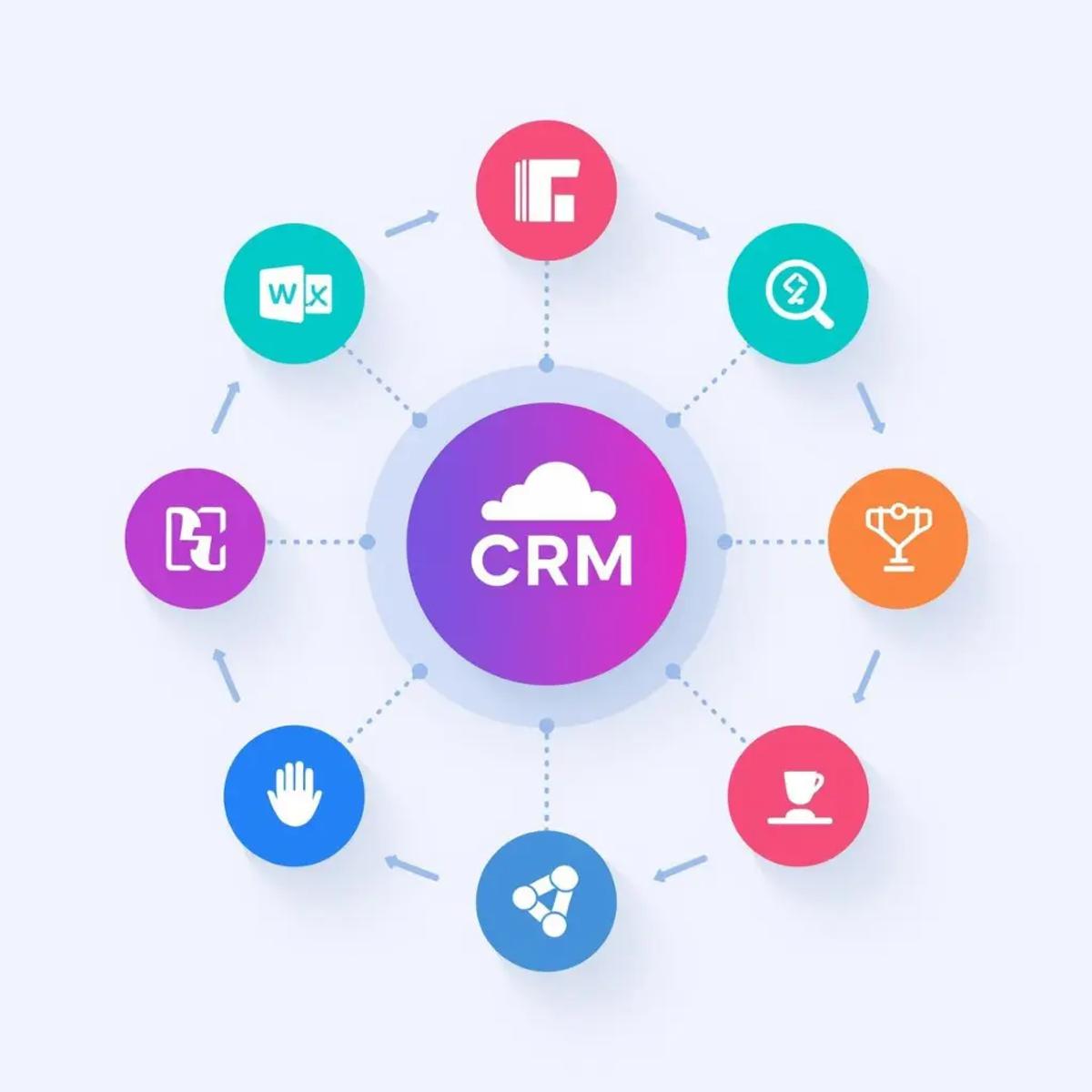
Now you are paying for HubSpot, plus the integration tool, plus the AI services, plus possibly additional communication platforms.
The promise of simplicity begins to fade.
Instead of reducing complexity, scaling often increases it. And because HubSpot sits at the center, everything becomes connected to it.
Managing these connections takes time and attention. That is another hidden cost, not just in money but in operational energy.
The Lock-In Effect
There is also a psychological cost that many founders feel but rarely say out loud. The deeper you build inside HubSpot, the harder it becomes to leave.
Custom fields multiply. Workflows become complex. Historical data becomes structured in ways that are specific to the platform. Migrating to another system looks painful and risky.
Even if you suspect you are overpaying or that your automation could be better elsewhere, you hesitate to switch because the process feels overwhelming.
For many US founders, flexibility is important. They prefer systems that can evolve as their business evolves. When a platform feels too sticky, it creates discomfort.
HubSpot is strong and reliable. But that strength can turn into dependence.
The Real Hidden Cost
So what is the hidden cost of HubSpot?
It is not just the annual invoice. It is the cumulative effect of upgrades, per-user pricing, automation limitations, integration complexity, and lock-in.
If you removed HubSpot tomorrow, would your operations pause? Would your data be difficult to move? Would your automation break?
If the answer is yes, then HubSpot is not just supporting your business. It is deeply embedded in it.
Software should enable growth, not quietly control it.
That is the conversation scaling companies are starting to have.
Read more here about n8n Enterprise Pricing
What Scaling Businesses Actually Need
Once companies start questioning HubSpot, the conversation usually shifts from frustration to clarity. The real question becomes simple: what do we actually need?
Most scaling businesses do not need more dashboards. They do not need complex attribution layers or advanced reporting models that take hours to interpret. What they need is execution.
They need leads coming in consistently. They need follow-ups that happen automatically without sales reps forgetting. They need meetings booked. They need visibility into whether deals are moving forward. They need systems that remove friction, not systems that add more steps.
When you break it down, scaling businesses need speed, flexibility, and reliable automation. They need tools that adapt as their processes evolve, not tools that require upgrades every time they want to add logic.
That shift in thinking changes everything.
The Move Toward Simpler CRM Systems
As companies scale, many realize that the CRM does not need to be the smartest part of the system. It simply needs to be the system of record. It needs to store contacts, track deals, and give basic visibility into pipeline health.
Instead of forcing complex automation inside the CRM, businesses are starting to separate responsibilities. The CRM tracks. External tools execute.
This modular approach gives companies more control. If one tool becomes expensive or restrictive, it can be replaced without rebuilding the entire operation.
That flexibility is powerful. It reduces the fear of lock-in and gives founders confidence that they are not trapped inside a single ecosystem.
AI-First Sales Systems Change the Economics
This is where the conversation becomes even more interesting. Modern scaling businesses are not just looking for CRM alternatives. They are rethinking how their sales and marketing systems work entirely.
Instead of relying on a single platform to do everything, they are building AI-first operating systems around their processes.
Imagine this scenario.
A lead fills out a form. An AI agent immediately reviews the submission, qualifies the lead based on preset logic, and categorizes it as high, medium, or low priority. If the lead is high priority, it triggers an immediate follow-up email and assigns a task to the right sales rep. If there is no response within a few days, the system sends a polite reminder through another channel. All of this happens automatically, without someone clicking through dashboards.
The CRM in this setup stores the data. The AI and workflow tools handle the thinking and execution.
This structure often ends up being more flexible and, over time, more cost-effective than upgrading deeper into a heavy all-in-one platform.
The True Cost of Staying Versus Switching
There is always hesitation when considering change. Switching systems feels risky. Migration sounds painful. Teams worry about losing data or disrupting workflows.
But there is also a cost to staying.
If you continue paying high annual fees for features you do not use, that is a cost. If your automation is limited and requires workarounds, that is a cost. If your team feels slowed down by complexity, that is a cost.
The decision is not simply about migration effort. It is about long-term alignment.
Many founders only calculate the cost of switching. Few calculate the cost of staying in a system that no longer fits.
Read more here about n8n Licensing 101
What a Smarter Stack Looks Like
A smarter stack for scaling companies often looks simpler on the surface. A clean, focused CRM manages contacts and deals. A workflow automation tool handles logic. AI agents manage qualification, follow-ups, and routing. Communication tools handle email, SMS, or other outreach channels.
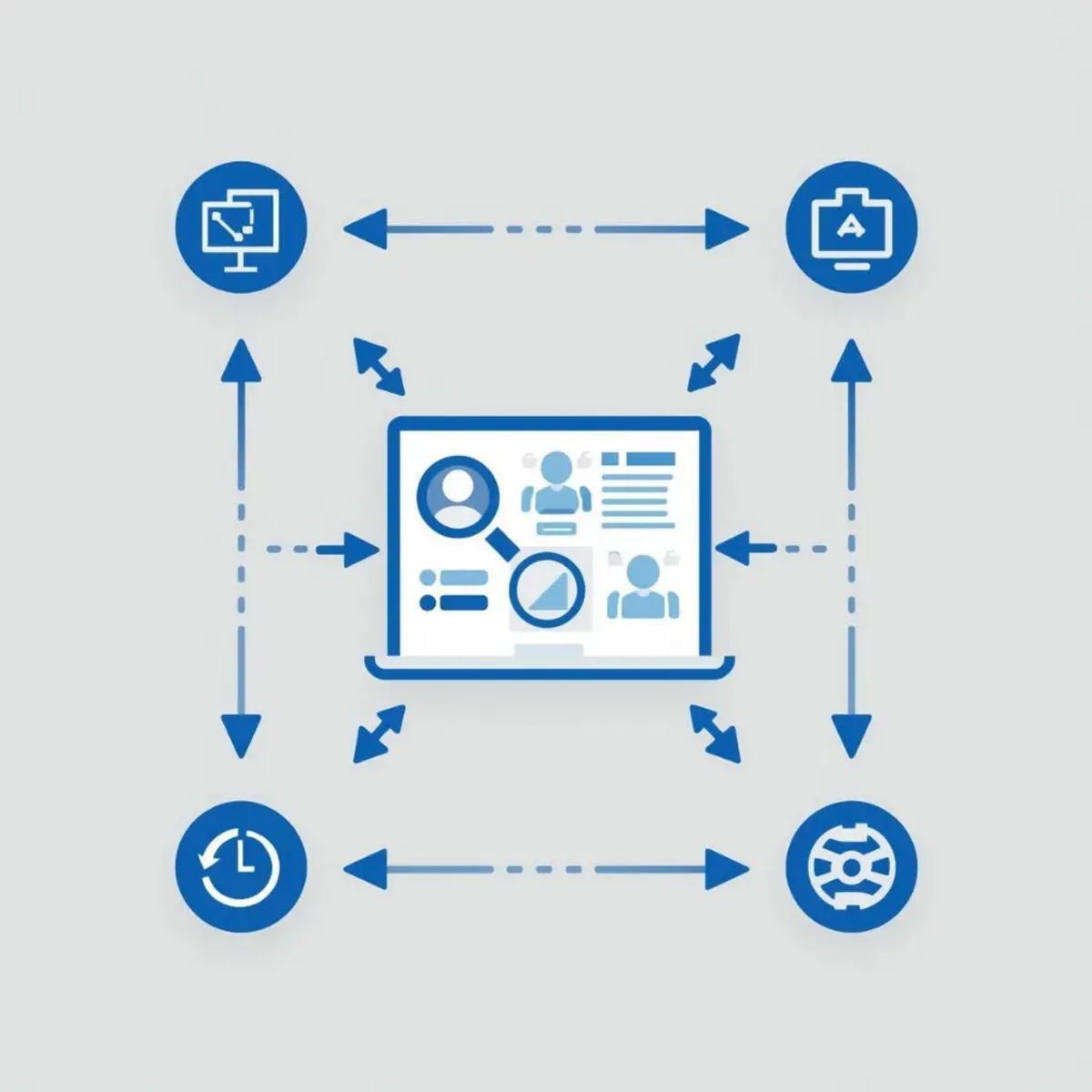
Instead of one large platform controlling everything, the system is distributed. Each tool has a clear role.
This approach allows businesses to swap tools if pricing changes or needs evolve. It prevents any single vendor from becoming too central to operations.
It also makes AI integration easier because the architecture is built around automation from the start.
Planning for Scale Before You Feel the Pain
The hidden cost of HubSpot usually becomes visible only after scale. But smart founders ask the right questions earlier.
What happens to our software cost when we double the team? What happens when we want more advanced automation? How easily can we integrate AI tools? If we wanted to leave in two years, how difficult would that be?
These questions help you think long-term instead of reacting later.
Choosing tools is not just about features today. It is about flexibility tomorrow.
Rethinking Control
At its core, the hidden cost of HubSpot is about control. When your entire system lives inside one platform, that platform shapes how you operate. Pricing updates affect your margins. Feature limitations affect your processes. Migration difficulty affects your decisions.
When you build modular systems, you regain control. You decide which tool does what. You decide how automation works. You decide when to upgrade or replace a component.
This mindset shift is what many US scaling companies are embracing.
Final Thoughts

HubSpot is not a bad platform. It remains powerful and reliable for many enterprise teams. But power and reliability do not automatically equal alignment for every stage of growth.
As businesses scale, they need systems that are flexible, cost-aware, and AI-ready. They need tools that support execution without overwhelming them with unused features.
The hidden cost of HubSpot is not just financial. It is structural. It appears when upgrades pile up, automation feels restricted, integrations multiply, and switching feels impossible.
Scaling businesses are beginning to recognize that cost early. And more importantly, they are learning to design their systems differently before that cost becomes unavoidable.
The smartest move is not to avoid HubSpot out of fear. It is important to understand the long-term implications before building your entire operation around any single platform.
Because when you scale, the decisions you made at the beginning become expensive.
FAQs: The Hidden Cost of HubSpot
1. Is HubSpot really free for growing businesses?
HubSpot offers a free CRM, but most growing businesses quickly need paid features like automation, advanced workflows, and reporting. As you scale, costs increase through upgrades, add-ons, and additional users.
2. Why does HubSpot become expensive as you scale?
HubSpot pricing grows as you unlock higher tiers, add users, and combine marketing, sales, and automation tools. What starts as affordable can become a significant annual expense once your team expands.
3. What is the highest hidden cost of HubSpot?
The highest hidden cost is not just money. It is a structural dependence. As your workflows, data, and processes become deeply integrated, switching becomes difficult and expensive.
4. Is HubSpot good for small businesses?
HubSpot can work well for small teams that need basic CRM functionality. The challenges usually appear when automation becomes complex or when teams grow beyond a few users.
5. Can HubSpot handle advanced AI automation?
HubSpot includes AI features, but it is not designed as an AI-first system. Businesses that want agent-style automation often rely on external tools, which can increase complexity and cost.
6. Is it hard to migrate away from HubSpot?
Migration can be challenging once you have built custom workflows, fields, and reports inside the platform. Data structures and automation logic may not transfer easily to other systems.
7. How can businesses avoid the hidden costs before scaling?
The best approach is to plan. Choose flexible systems, separate CRM storage from automation logic, and avoid locking critical processes inside one platform. Thinking modular from the start reduces long-term risk.